

Additional Resources
Guest token request examples
Copy a working guest token request for each tenancy level.
Each example is a body for POST https://api.usedatabrain.com/api/v2/guest-token/create, sent from your backend with Authorization: Bearer <data app API token>. For what each field means, see Create a guest token.
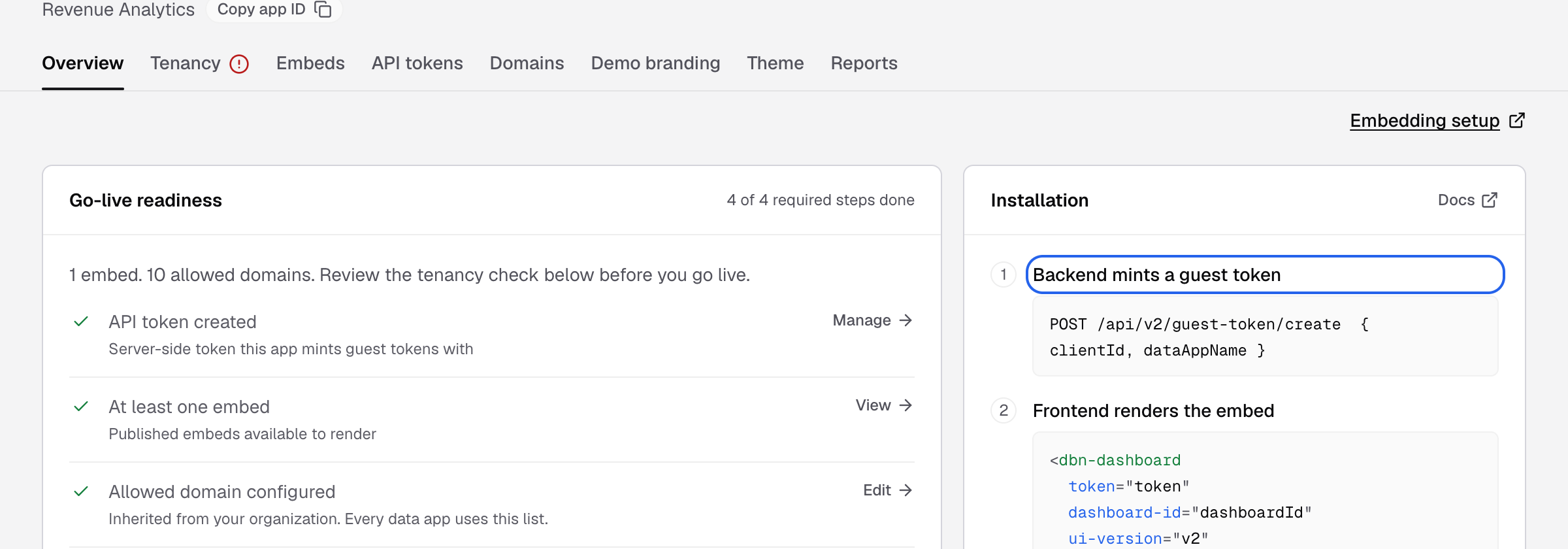
Table tenancy
clientId is a value of the client column, for example client_id.
{
  "clientId": "acme-corp",
  "dataAppName": "Customer Portal",
  "params": { "userIdentifier": "user_8812" }
}
Database tenancy
clientId is the customer’s schema name.
{
  "clientId": "acme_corp",
  "dataAppName": "Customer Portal",
  "params": { "userIdentifier": "user_8812" }
}
Multi-database tenancy
clientId is the customer’s database name.
{
  "clientId": "acme_corp_db",
  "dataAppName": "Customer Portal",
  "params": { "userIdentifier": "user_8812" }
}
Two datamarts in one workspace
Name the datamart to use.
{
  "clientId": "acme-corp",
  "dataAppName": "Customer Portal",
  "datamartName": "Sales datamart"
}
One hour, one dashboard, a time zone and a filter value
{
  "clientId": "acme-corp",
  "dataAppName": "Customer Portal",
  "expiryTime": 3600000,
  "params": {
    "userIdentifier": "user_8812",
    "allowedEmbeds": ["revenue-overview"],
    "timezone": "America/New_York",
    "dashboardAppFilters": [
      { "dashboardId": "revenue-overview", "values": { "Region": ["EMEA"] } }
    ]
  }
}
The filter name, here Region, must be an app filter on that dashboard. Dashboard app filter
Response
{ "token": "<guest token>", "expireAt": "2026-11-20T10:09:36.174Z" }