

AI Chat Mode
Turn on Bryn for an embed
Let end users of an embedded dashboard ask questions in plain words and save the answers as metrics.
Before you start
- You did Step 1: a datamart in a workspace, tenancy, and a connected LLM.
- You have an embedded data app with a dashboard embed. See Create a data app and Embed a dashboard.
Steps
- Go to Data Studio > Data Apps and open your data app.
- Open Embeds and select the embed. Access control opens.
- Turn on Create metrics.
- In Datamart, pick the datamart from Step 1.
- Select Bryn (Natural Language Questions) instead of Power Mode.
- Select Save.

Your embed code does not change:
<dbn-dashboard token="<guest-token>" dashboard-id="<dashboard-id>"></dbn-dashboard>End users now see Chat with your Data on the dashboard. On an empty dashboard, Create metric opens the same chat.
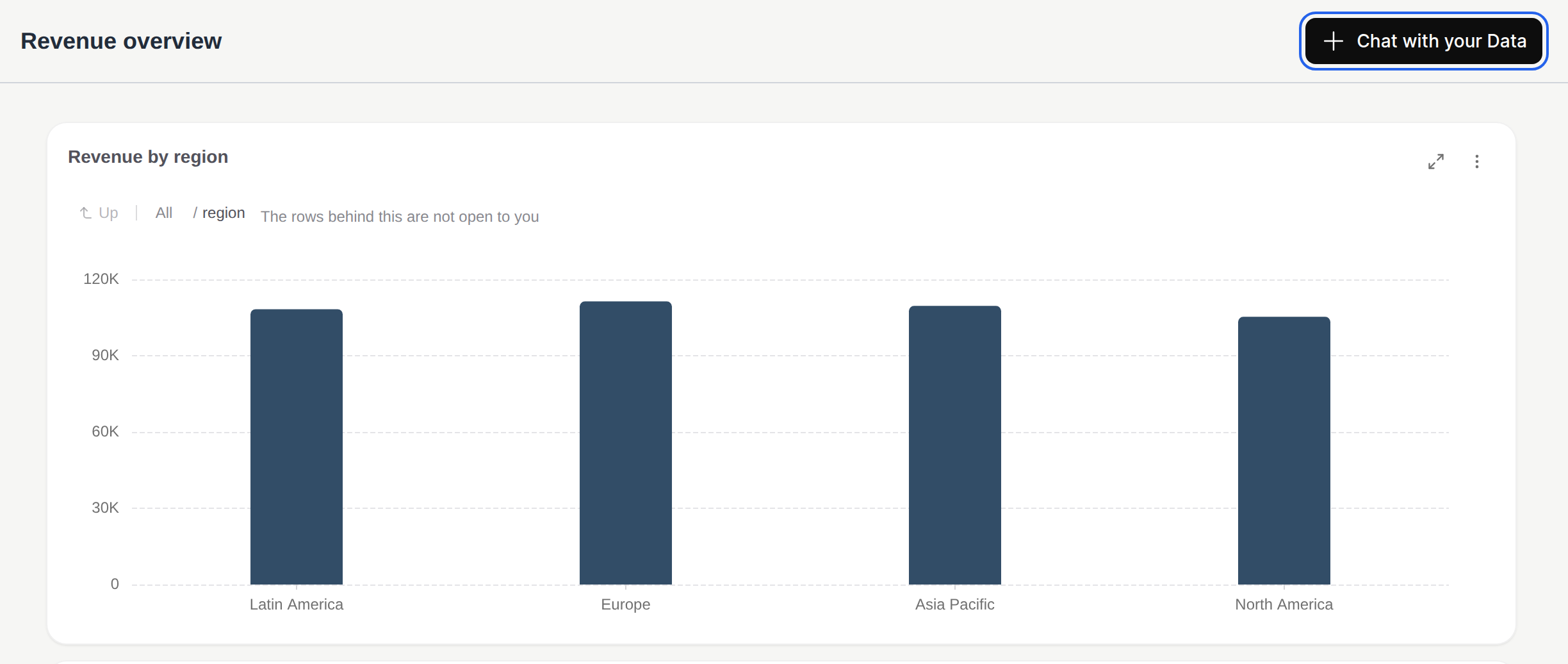
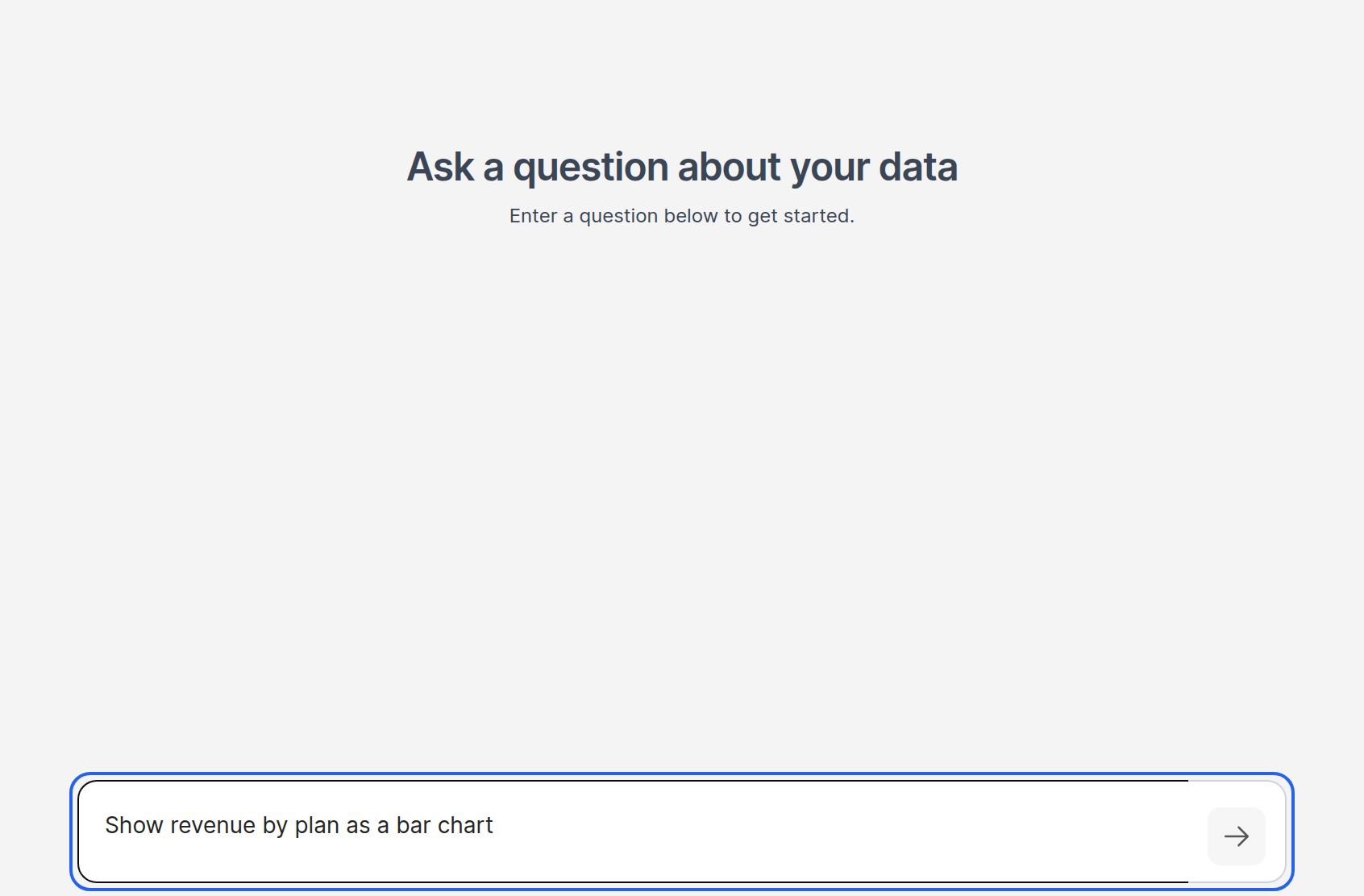
Chat with your Data opens Data Chat. End users type a question and get a chart. Save opens Save To Dashboard, which adds the chart to their dashboard as a metric.
To try it yourself, open the embed’s Get snippet, select Copy snippet, then Create test guest token and Preview as customer.
Set it with the API
Set accessSettings.metricCreationMode to CHAT when you create or update the embed with the data app API. DRAG_DROP is Power Mode. See Embed API.
PUT /api/v2/data-app/embeds replaces every access setting of the embed. Send all current settings in the same call, or the ones you leave out turn off.
Hide it for some users
To hide the chat for one page or one user, set disableMetricCreation in the component options:
<dbn-dashboard
  token="<guest-token>"
  dashboard-id="<dashboard-id>"
  options='{"disableMetricCreation": true}'
></dbn-dashboard>
What end users can and cannot do
- Bryn answers only from the datamart of the embed, and only with the client’s own rows. If Databrain cannot add the client filter to Bryn’s SQL, it does not run the query.
- The chat button does not show on small, mobile-size screens.
- Embedded Bryn uses your connected LLM. Your provider receives the question and the data model information. See Choose where AI answers come from.
If something goes wrong
- No Chat with your Data button. Check that Create metrics is on and Bryn is selected, then make a new guest token. Check that
disableMetricCreationis not set. - “NO DATA FOUND”. The embed’s workspace has no datamart.
- “No AI model is configured. Add one in LLM settings.” Connect an LLM in Settings > LLMs.
- “Unable to apply embedded data filters to this query.” Databrain could not add the client filter to the SQL, so the question did not run. Check that the data app’s workspace uses the datamart you picked in Datamart, and that the datamart’s tables have a client column on its Tenancy tab.