

Get set up
Reset your password
Get a reset link by email and choose a new password.
Steps
- On the sign-in page, select Forgot password?.
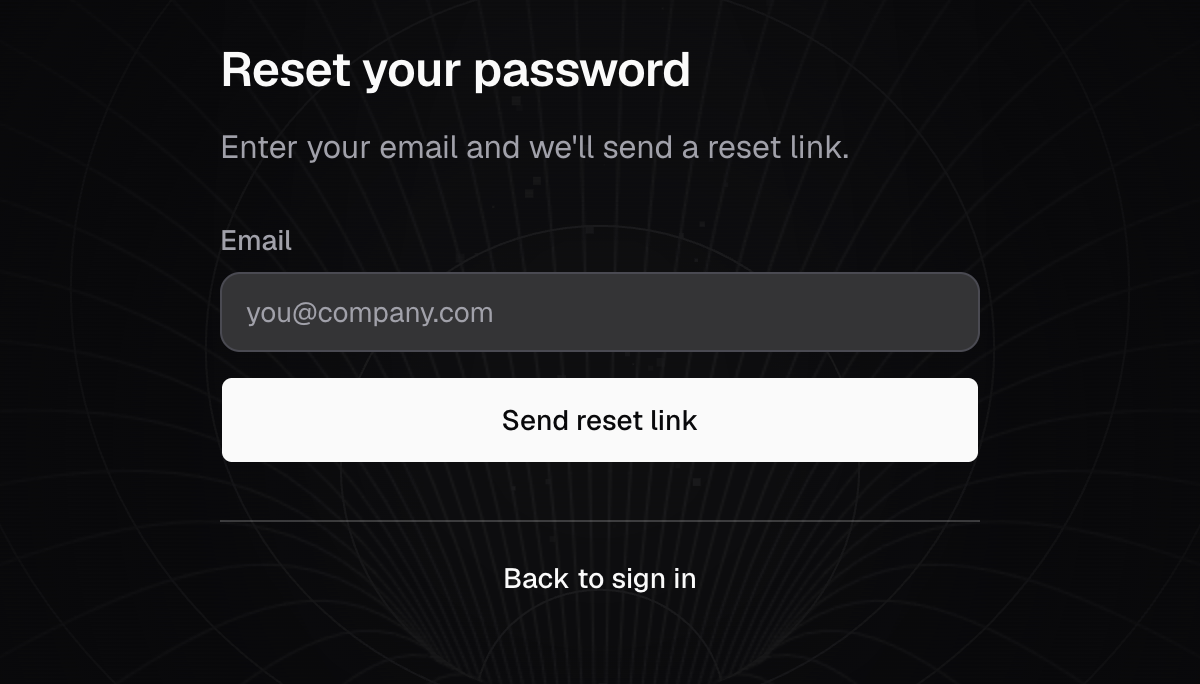
- Enter your Email and select Send reset link.
- Open the email from Databrain and select Reset Password. The link works for 24 hours, once.
- Enter a New password and enter it again in Confirm password.
- Select Update password.
You see Password changed. Sign in with the new password.
The new password follows the same rules as at sign-up: 8 characters or more, with an uppercase letter, a lowercase letter, a number and a special character.
If something goes wrong
- No email arrives. Databrain says it sent the link even when no account uses that email. Check the address, then select Resend.
- Reset link cannot be used. The link expired or was used. Select Request a new link.
- SMTP settings are not configured for the account. On a self-hosted install, an Admin must set up email first.