

Workspaces
Create a private workspace
Make a workspace that only you can open, for drafts and experiments.
A private workspace opens only for the person who created it. Other people cannot open it, Admins included.
Steps
-
Go to Home and select Create workspace.
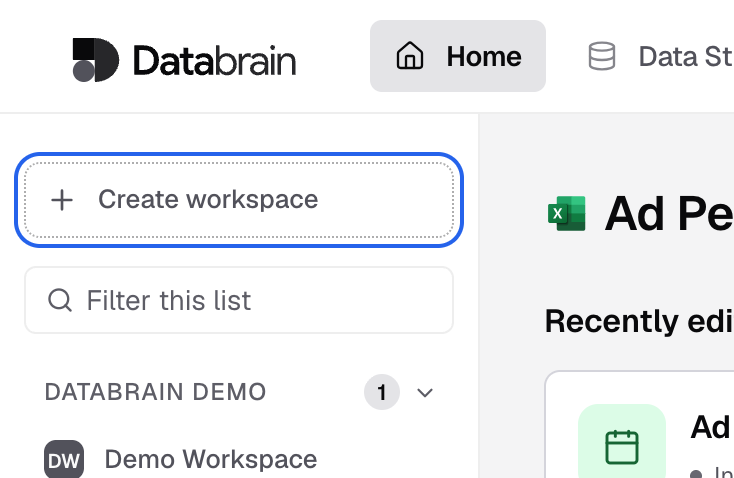
Create workspace is at the top of the Home sidebar. -
Enter a Workspace name and choose the Data, as in Create a workspace.
-
Turn on Private workspace.
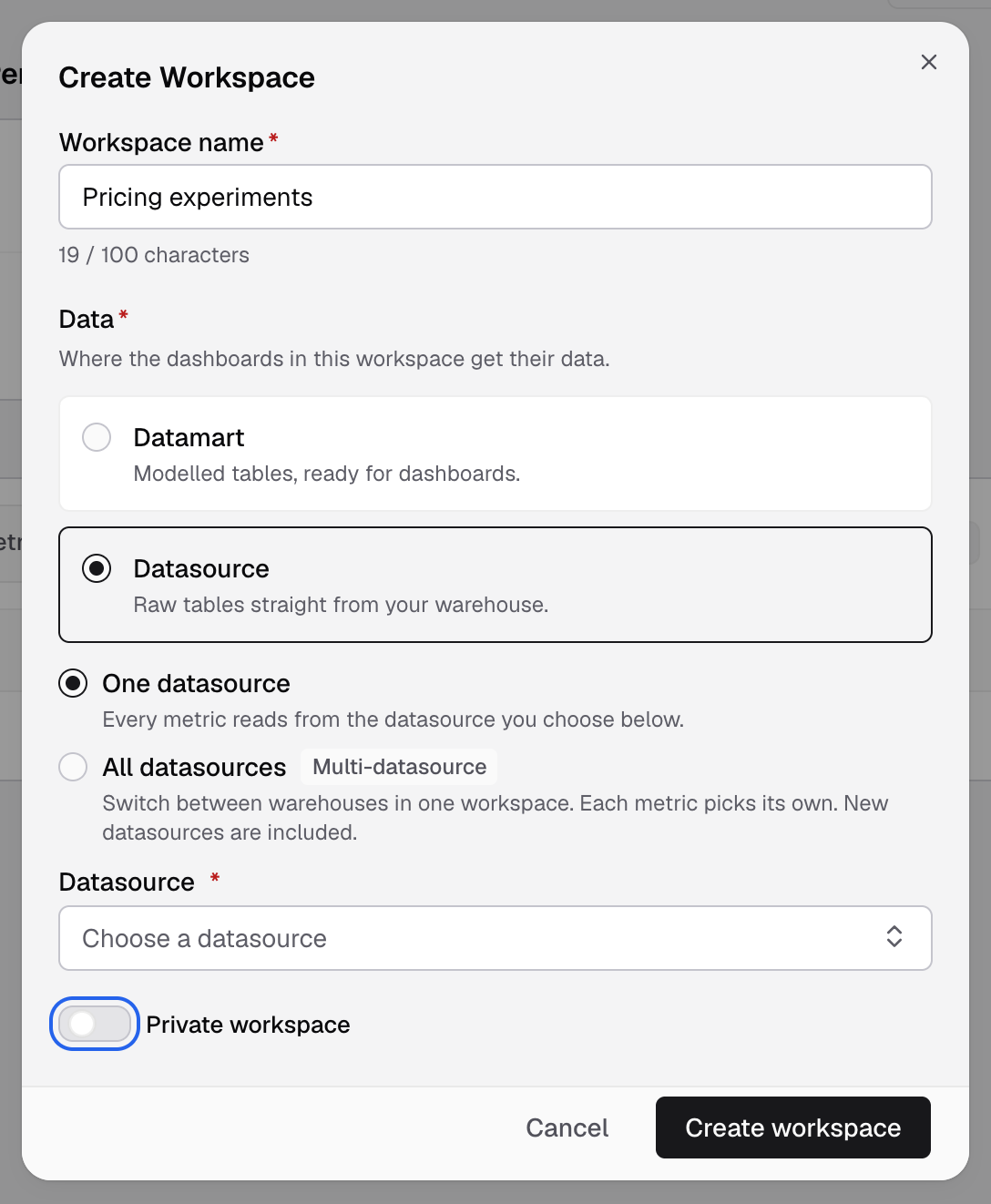
Turn on Private workspace before you create it. You cannot change it later. -
Select Create workspace.
The workspace appears under Private in the Home sidebar.
Good to know
- You choose private only when you create the workspace. Workspace settings have no private switch.
- If an Admin removes you from the company, your private workspaces are deleted, with their dashboards and scheduled reports.