

Connect
Allow Databrain's IP
Let Databrain reach a database that sits behind a firewall or an IP allow list.
Databrain connects to your database from one fixed outbound IP. Add it to your firewall or allow list before you connect.
| Databrain | Outbound IP |
|---|---|
| Databrain cloud | 44.198.8.73 (44.198.8.73/32 where a CIDR is needed) |
| Self-hosted Databrain | Your server’s own outbound IP |
The connect form always shows the right address for your deployment. Use that value if it differs from this table.
Before you start
- You can change the network rules of your database, cloud network or firewall.
- You know the port your database listens on.
Steps
-
Go to Data Studio > Datasources, select Connect data source and select your connector.
-
In the Setup guide next to the form, find Allow the outbound IP and copy the address under it.
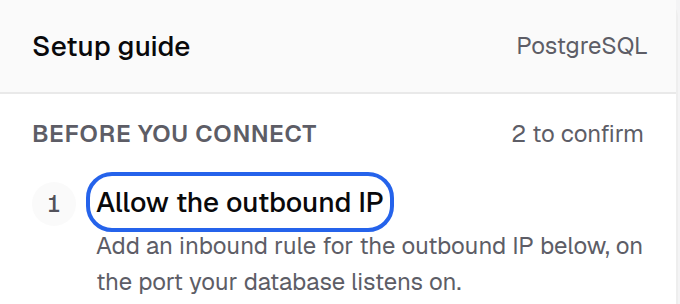
Allow the outbound IP is the first step of the Setup guide, with the address and a copy button under it. -
In your firewall, security group or database allow list, add an inbound rule for that address on your database port.
-
Fill in the form and select Connect datasource.
When the connection works, the step shows Verified: we reached this database from that address.
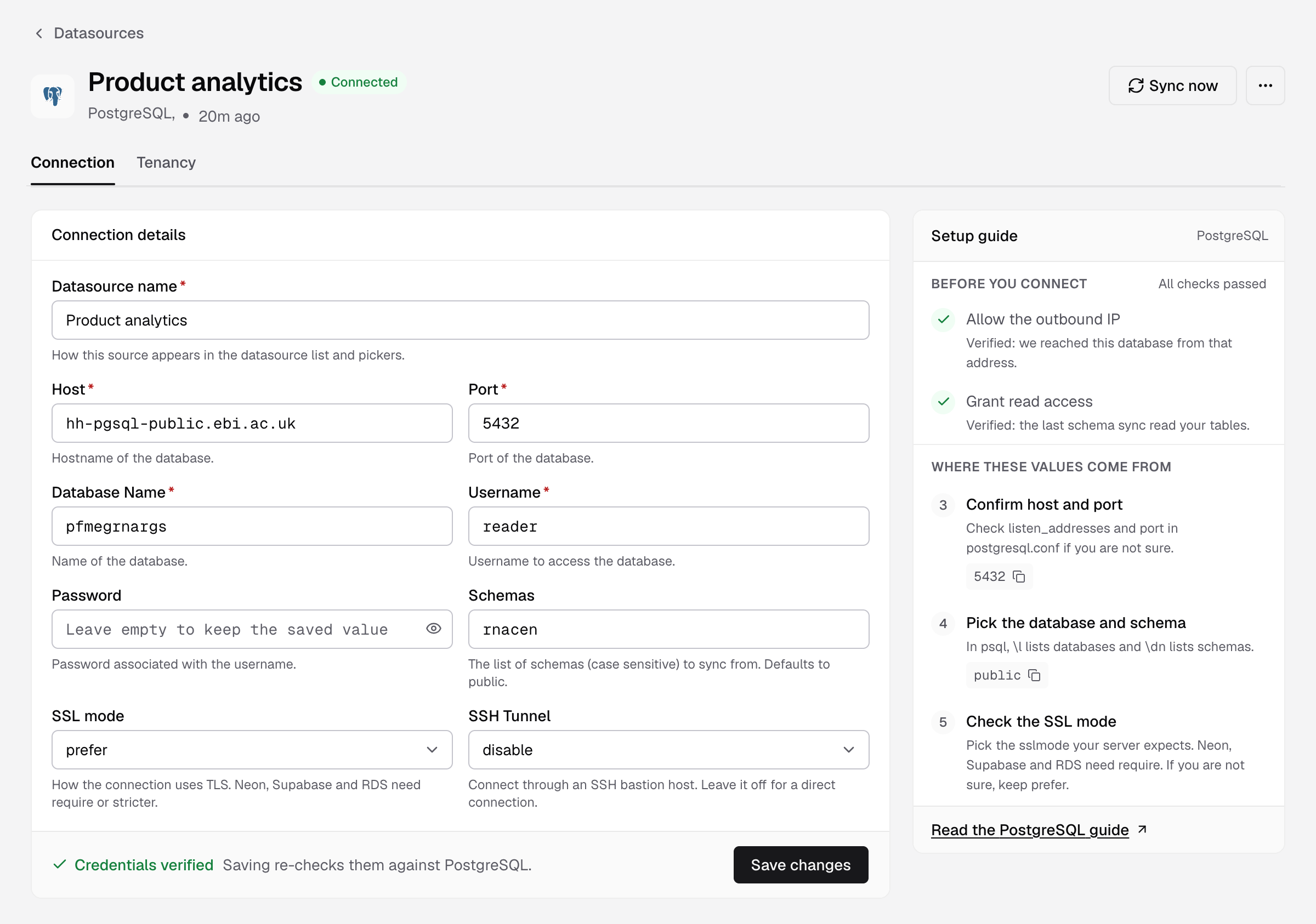
Database in a private network
Use an SSH bastion host. In the form, set SSH Tunnel to enable and enter SSH Host, SSH Port, Username and Private key. Allow Databrain’s IP on the bastion, not on the database.
SSH Tunnel is on the forms for PostgreSQL, Supabase, Neon, Amazon Redshift, ClickHouse, CockroachDB, Microsoft SQL Server, Microsoft Fabric and Trino.
If something goes wrong
- The database did not answer in time. The rule is missing or on the wrong port. Check the inbound rule.
- The database refused the connection for this user and address. PostgreSQL needs a
pg_hba.confrule for this user from Databrain’s IP.