

Quick Start
Set up Databrain the first time
Tell Databrain who your dashboards are for, start with demo data or your own database, and follow the checklist.
The first time an Admin signs in to a new company, Databrain asks who your dashboards are for and how you want to start. Your answers decide what Home shows first and which steps are in your setup checklist.
Before you start
- You just created a Databrain account for your company. See Account setup.
Steps
-
On How will your company use Databrain?, answer Who will see the dashboards you build?
- For my customers, inside my product: you embed dashboards in your app.
- For my own team: you share dashboards inside your company.
Pick one or both. Your checklist on the left lists the steps your choice adds.
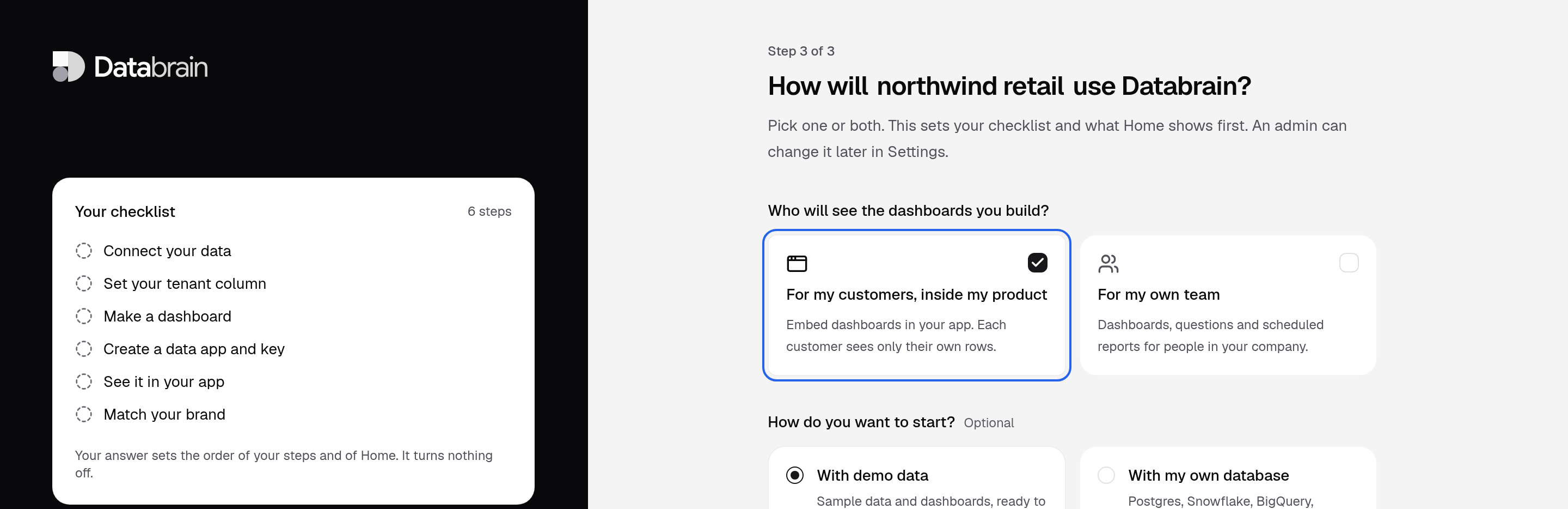
Your checklist on the left changes with your answer. -
Under How do you want to start? (optional), pick one:
- With demo data: Databrain builds a demo workspace with sample data, data models, a semantic model and dashboards. This is the default.
- With my own database: you go straight to the connector list.
With demo data, also check What industry is your product for? (optional). Databrain guesses it from your company name and fills the demo workspace with data and dashboards for that industry. Pick another one, or Other.
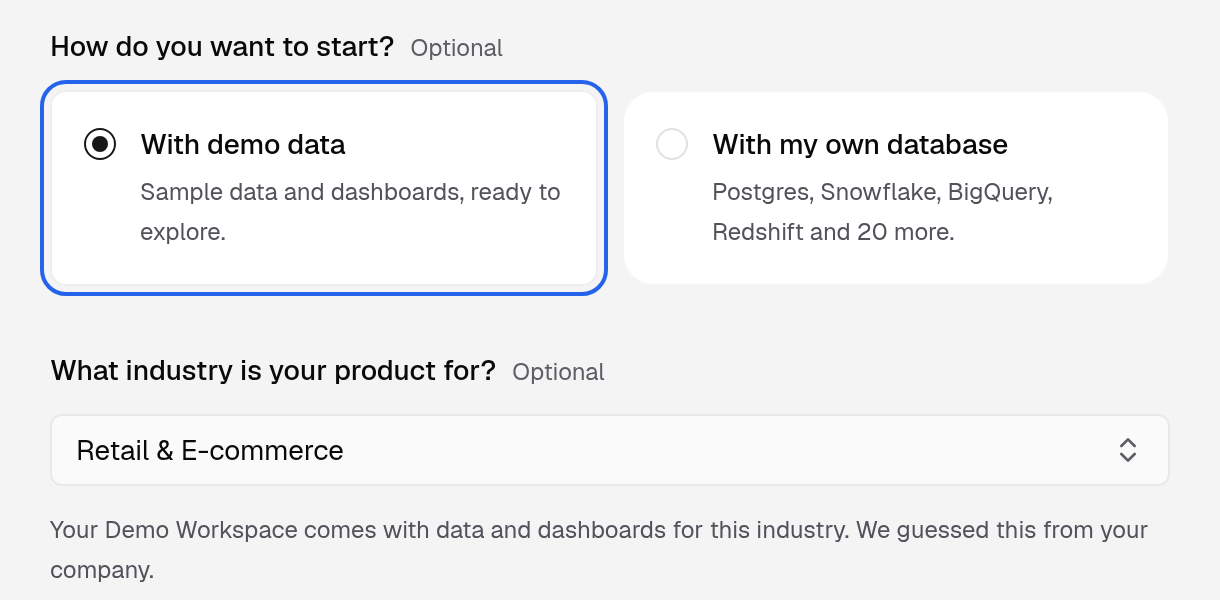
Demo data is the default. The industry sets which demo dashboards you get. -
Wait for Your demo workspace is ready, then select the main button. It reads Continue to your demo when the demo is ready, Continue while it is still being built, or Connect your database if you chose your own database.
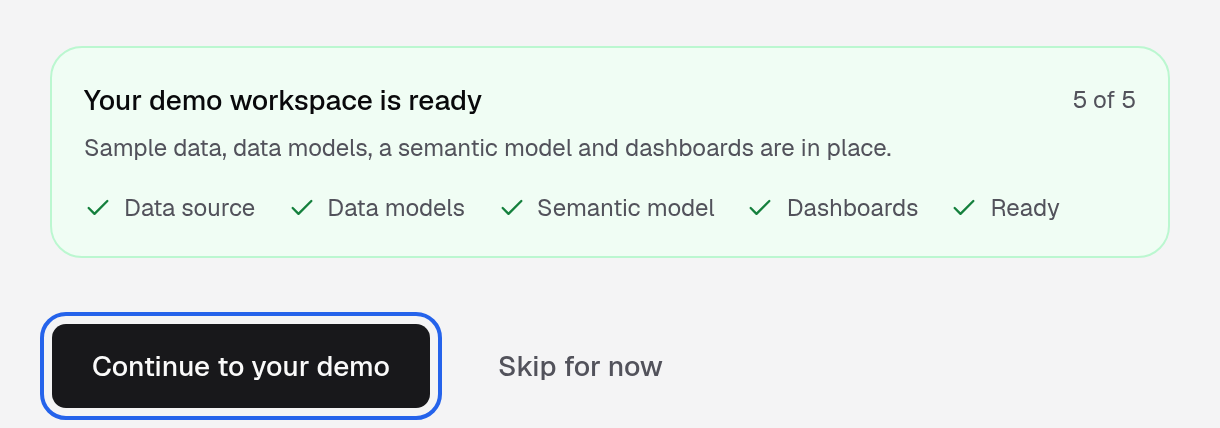
The demo is built in the background, one part at a time.
Not ready to choose? Select Skip for now. Databrain sets up your checklist from what you build first.
A self-hosted install has no demo data. You start with your own database.
What you see next
- With demo data: a demo dashboard opens in your demo workspace, for both answers.
- With my own database: the connector list opens. Follow Connect data and create a dashboard.
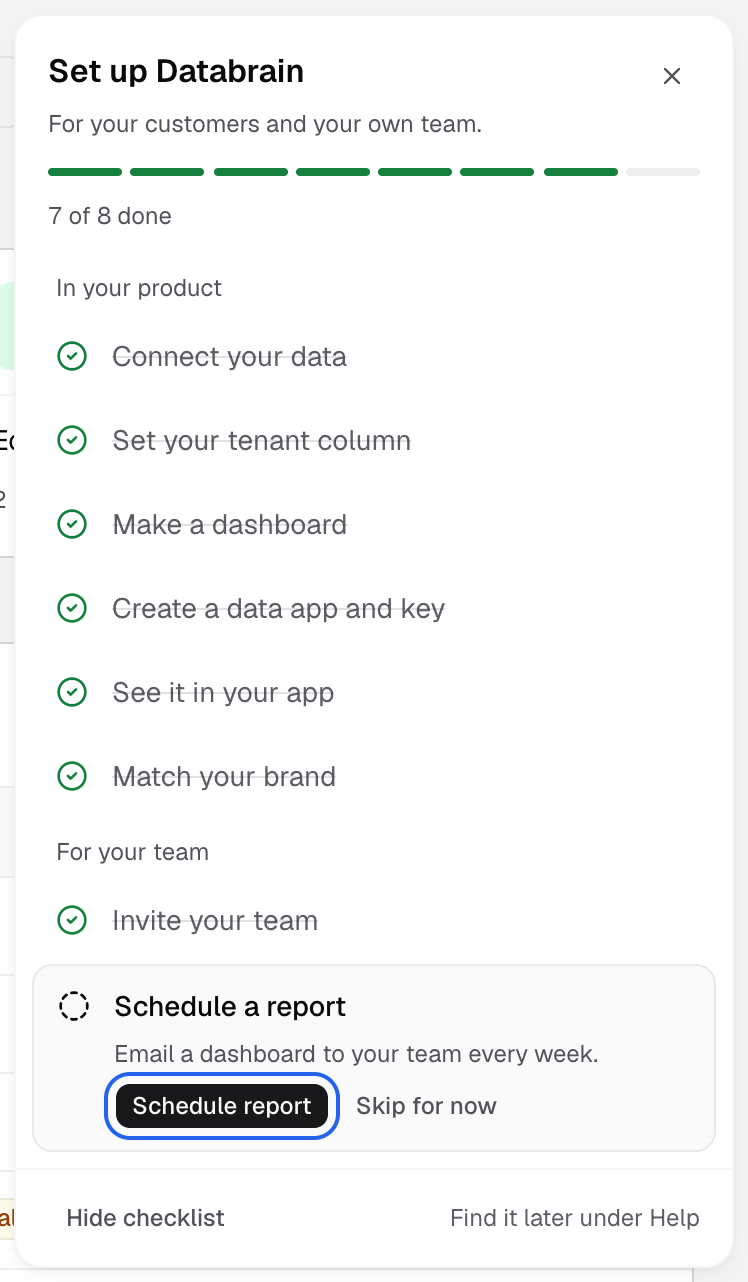
The setup checklist then shows the next step in the sidebar.
Change your answers later
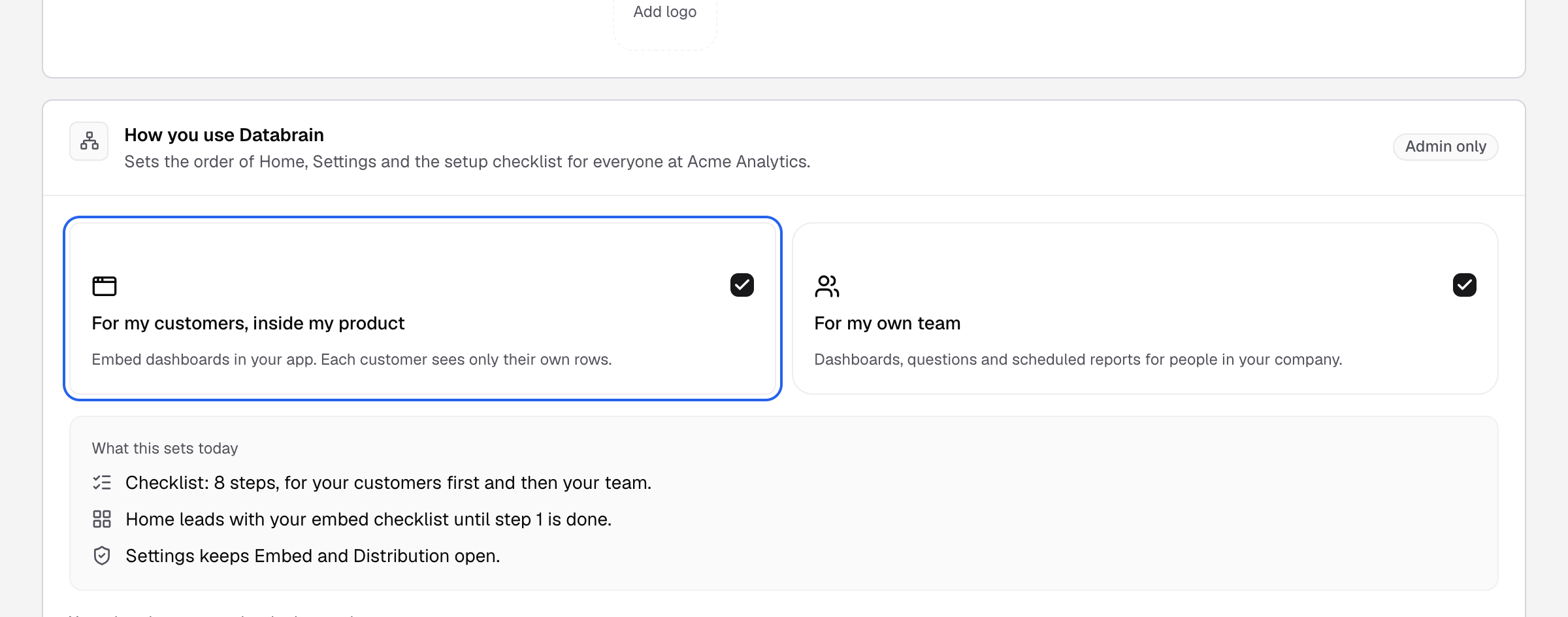
Go to Settings > Account > Company and open How you use Databrain. Change Who sees the dashboards you build? and save. Your plan, data apps and embeds stay the same; Home and the checklist change.