

Quick Start
Invite your team
Add teammates and give each one a role, so they see the right workspaces.
Invite teammates from the workspace you are in. Each person gets a role, scoped to some or all workspaces.
Before you start
- You are an Admin, or your role has the Invite permission for users.
Steps
-
On Home, open the workspace and select Invite next to its name.
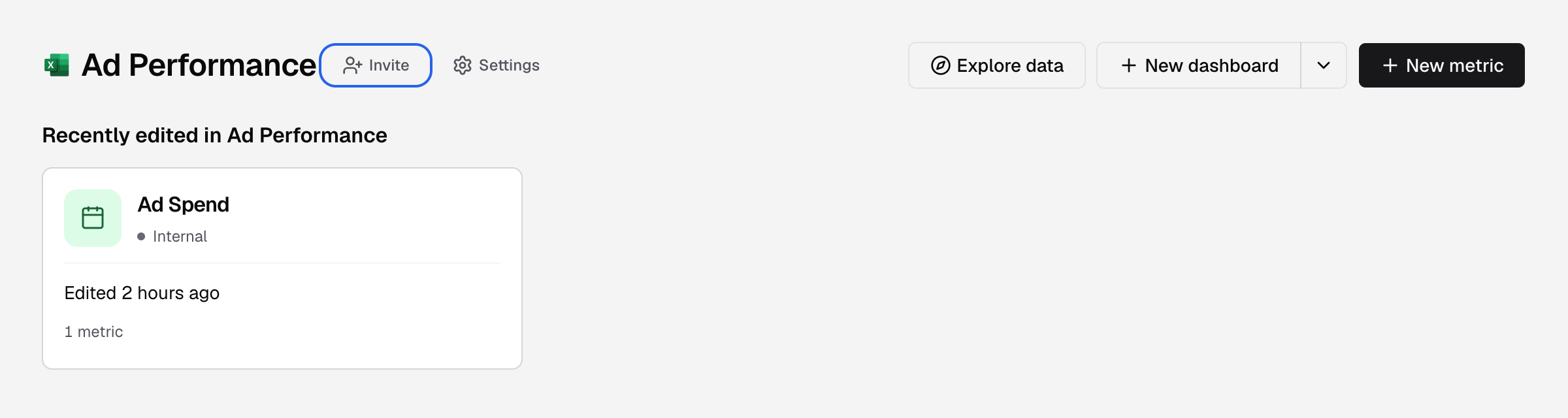
Invite is next to the workspace name on Home. -
Enter the First name, Last name and Email.
-
Select Add role, pick a Role (Developer, Editor or Viewer) and choose where it applies in Apply on.
-
Select Invite.
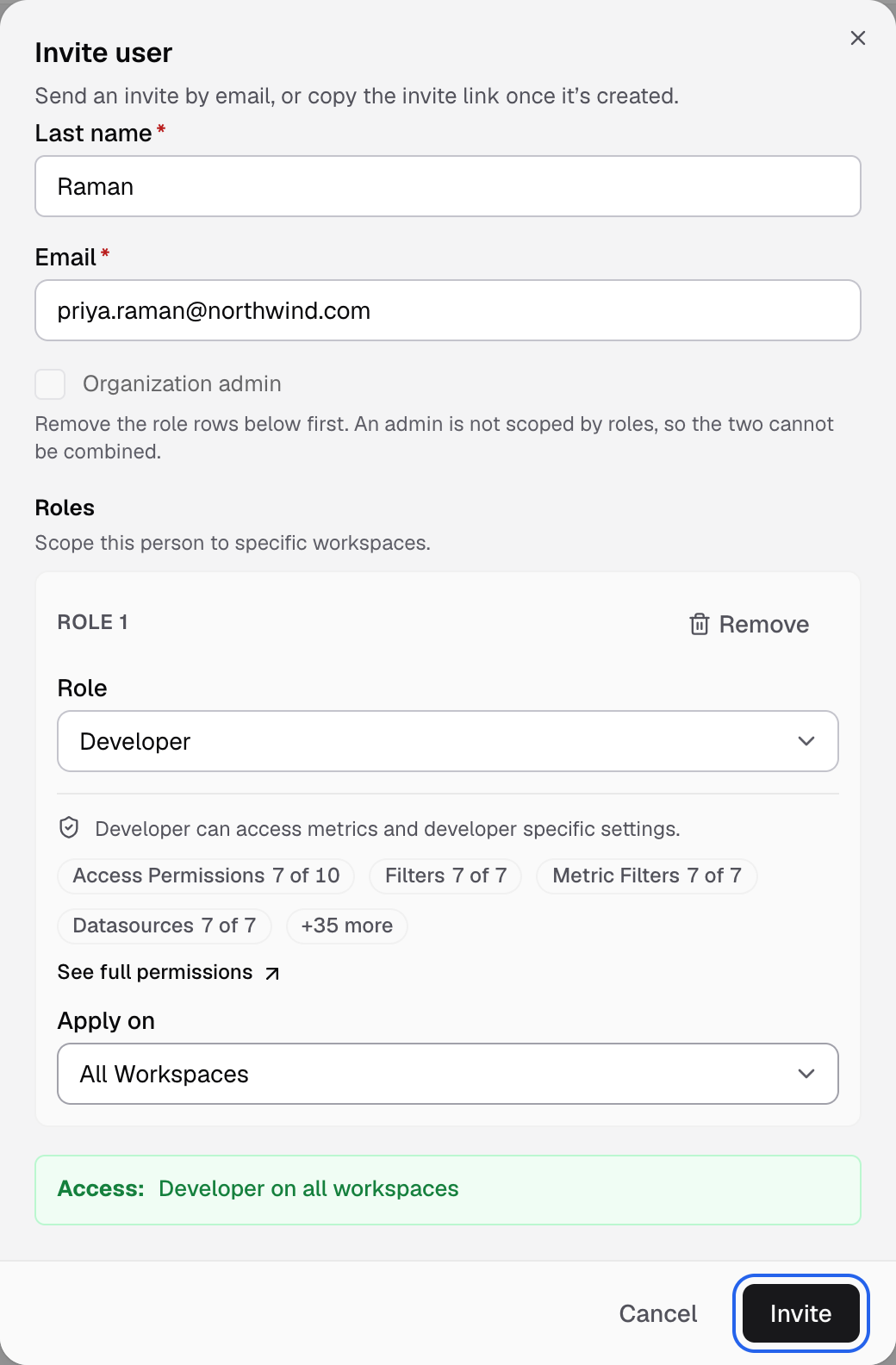
Access sums up the role and workspaces before you send the invite.
You see Invitation sent. The person gets an email to join. The link works for 24 hours.
| Role | In short |
|---|---|
| Developer | Builds the data side: datasources, datamarts, metrics, data apps, API tokens and themes. |
| Editor | Creates and updates metrics and dashboards. |
| Viewer | Views dashboards. |
Check Organization admin instead to give full access to every workspace and setting.
Full steps, roles and fixes: Invite a user.