

Quick Start
Get into Databrain
Sign in, create an account, join your company, or reset your password.
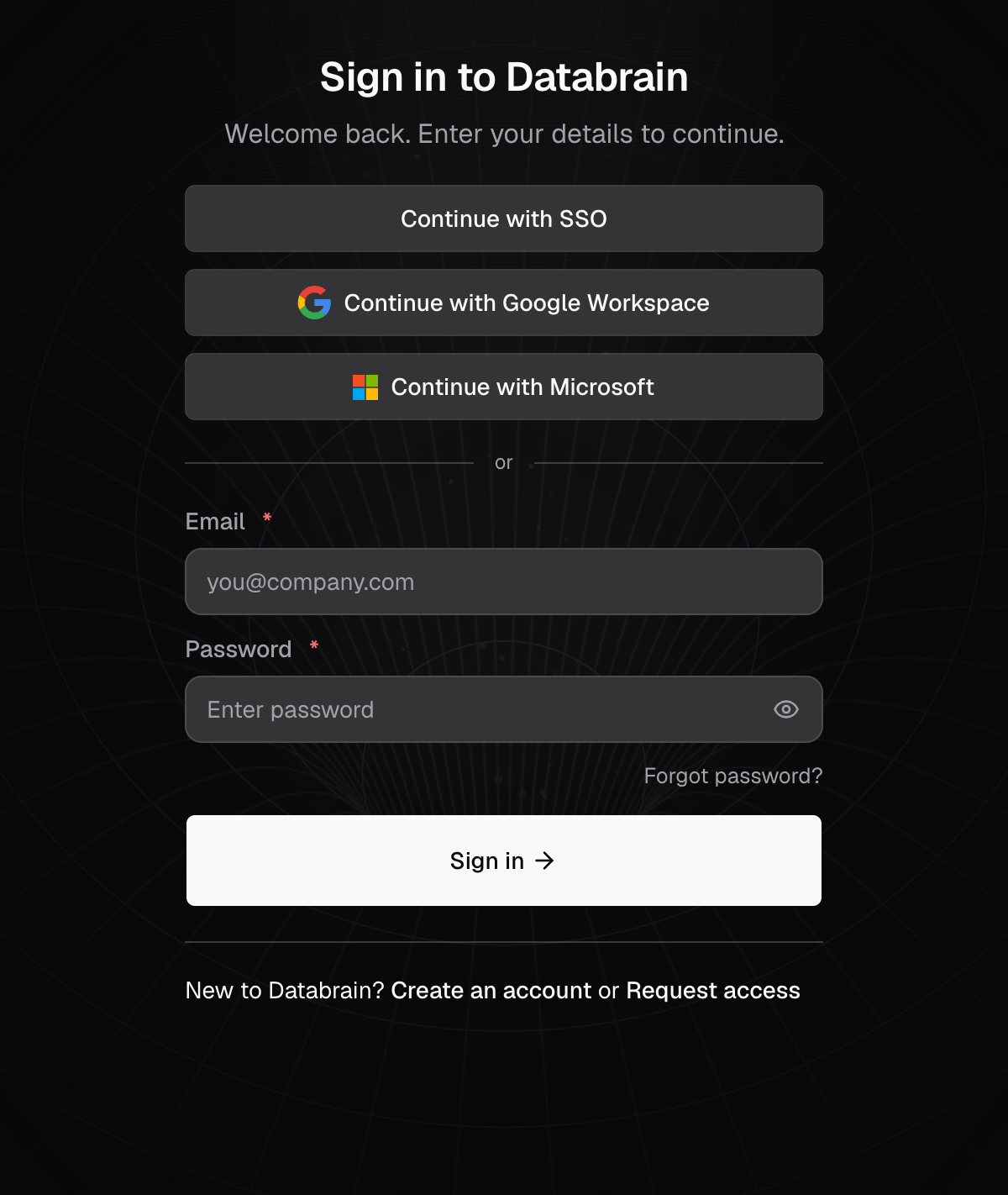
Sign in
- Go to the Databrain sign-in page.
- Enter your Email and Password, then select Sign in. Or select Continue with SSO, Continue with Google Workspace or Continue with Microsoft.
You land on Home. Your workspaces are in the sidebar. See Sign in for the second step and errors.
Pick your path
| You are | Do this |
|---|---|
| New to Databrain, and your company does not use it yet | Create an account with your work email |
| Joining your company’s Databrain | Ask an Admin to invite you, then select the link in the invite email |
| Using your company’s identity provider | Sign in with SSO |
| Locked out | Reset your password |
If you sign up with an email whose domain already has a Databrain company, Databrain offers Ask to join that company. An Admin gets your request by email.
Find your way around
- Home: your workspaces, with their dashboards and metrics.
- Data Studio: datasources, semantic models and data apps.
- Settings: your account, your organization, developer settings and embed settings.
Next: Set up Databrain.