

Account
Try features in preview
See new Databrain features before they are released to everyone.
Feature previews change only what you see. Your team and your customers keep the released product. Everyone can turn them on, on every plan.
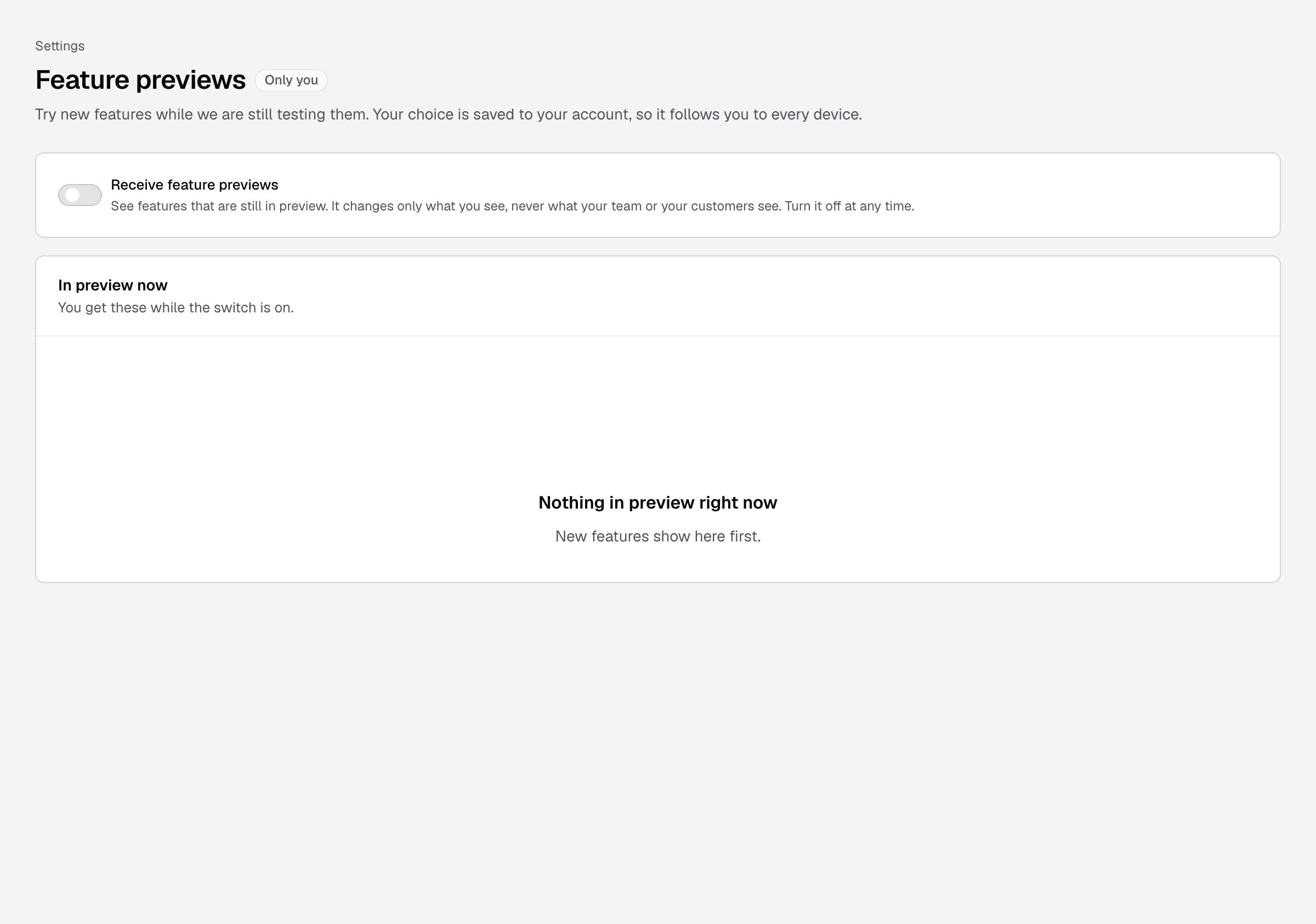
Steps
- Go to Settings > Feature previews.
- Turn on Receive feature previews.
You see Saved. You now see features in preview. The In preview now list shows each feature with a Preview badge and where to find it. If nothing is in preview, the list says Nothing in preview right now.
Your choice is saved to your account, so it follows you to every device. Turn the switch off at any time to go back.
Not on this page
Some features are not previews. Your plan or Databrain turns them on for the whole company:
- Diagnostics: Enterprise plan. See Diagnostics.
- Environments: every plan. See Dashboard environments.
- Migration assistant: Databrain turns it on per company. See Migration assistant.
If something goes wrong
- Your choice did not save. Check your connection and select Try again.