

LLM Configuration
Connect an LLM
Add your own model provider key so Bryn, copilot and natural-language questions use it.
Before you start
- Your role has LLMs > Edit. Admins have it. With View only, the page is read only.
- You have an API key from your provider.
Steps
-
Go to Settings > LLMs and select Add LLM.
-
In Select provider, pick your provider.
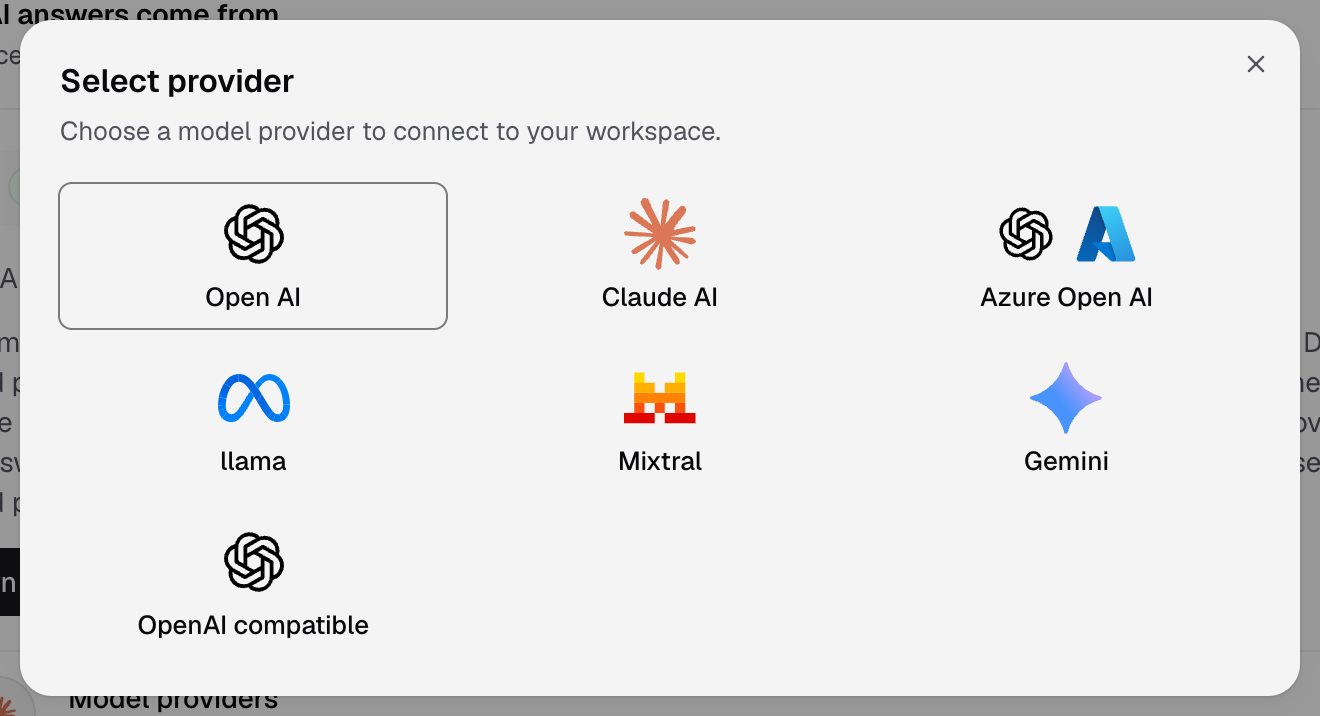
Select provider shows the seven providers you can connect. -
Fill in the fields for that provider. The right side of the dialog shows the setup guide.
-
Select Authenticate (or Save connection for Azure Open AI).
Databrain checks the key before it saves. The new LLM shows as a card with its models. While no default is set, the oldest connected LLM answers.
| Provider | Fields | Page |
|---|---|---|
| Open AI | Name, API Key | Connect OpenAI |
| Claude AI | Name, API Key | Connect Claude |
| Gemini | Name, API Key | Connect Gemini |
| Azure Open AI | Base URL, API Key, then Name, Deployment names, API Version | Connect Azure OpenAI |
| llama | Name, Base URL, API Key, Output limit parameter | Connect Llama |
| Mixtral | Name, Base URL, API Key, Output limit parameter | Connect Mixtral |
| OpenAI compatible | Name, Base URL, API Key, Output limit parameter | Connect an OpenAI-compatible endpoint |
A Name has 1 to 64 characters. Use a name your team knows, for example Claude Analyst.
Manage a connected LLM
| To | Do this |
|---|---|
| Get the provider’s newest models | Select Refresh models on the card |
| Make it answer by default | Select Set default, or pick it in Default model |
| Change the key or name | Select the pencil on the card |
| Remove it | Select the bin on the card, then confirm Delete LLM. To delete the default, pick a New default LLM and select Set default & delete |
Databrain never shows a saved key again. The card shows only that a key is set.
If something goes wrong
- The key is refused. Check that the key is active and can call the models you want. For Azure, check the Base URL and deployment names.
- No models show on the card. Select Refresh models. For llama, Mixtral and OpenAI compatible, enter the Model names if the server does not list them.
- Bryn still uses another model. A workspace model or a person’s own pick wins over the default. See How Databrain picks an AI model.