

LLM Configuration
Connect OpenAI
Use your OpenAI API key for Bryn, copilot and natural-language questions.
Before you start
- Your role has LLMs > Edit. Admins have it.
- An API key. In the OpenAI dashboard, create a secret key with access to the models you want to use. Get it at platform.openai.com/api-keys.
Steps
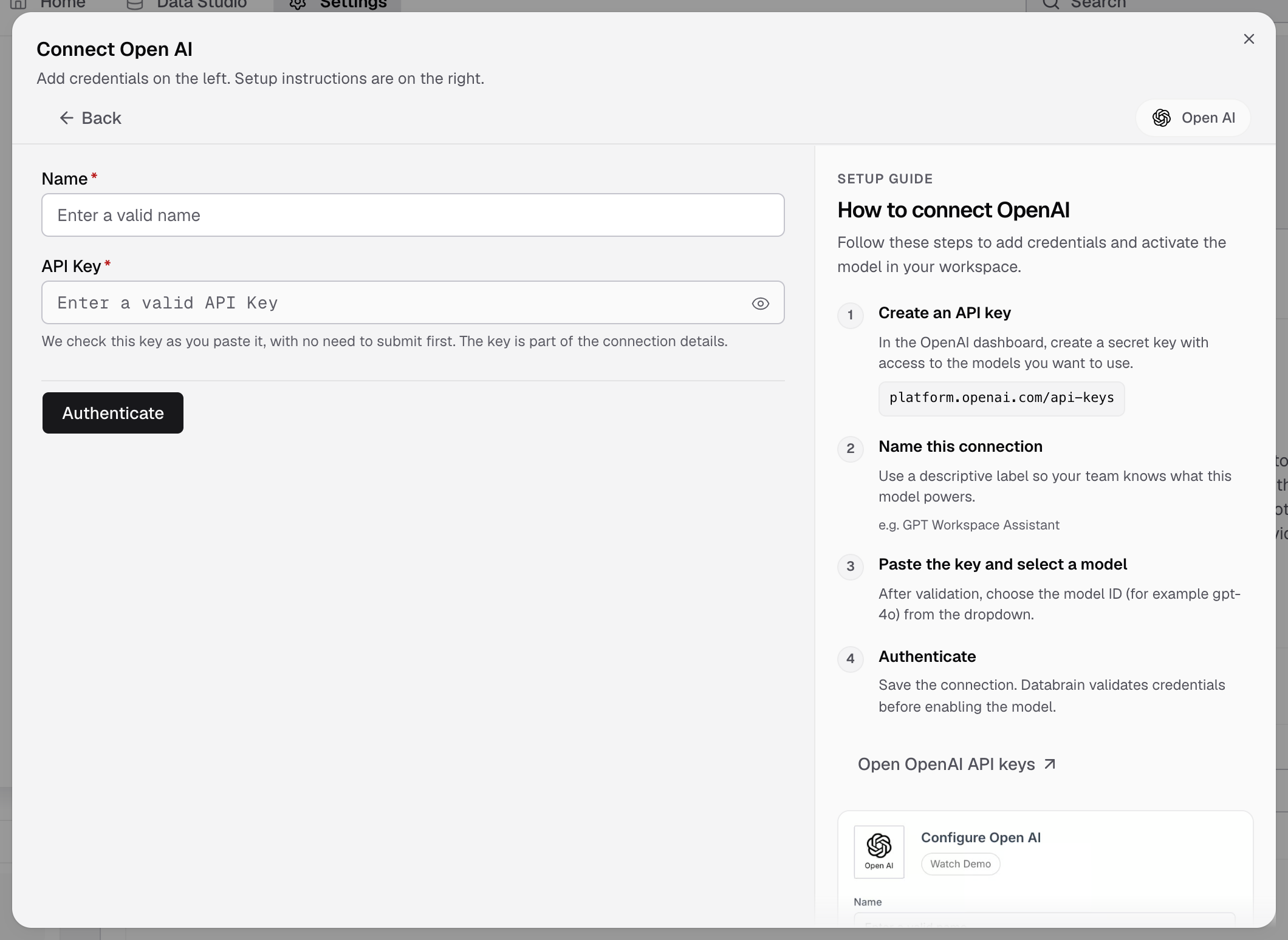
- Go to Settings > LLMs and select Add LLM.
- Select Open AI.
- In Name, enter a name your team knows, for example
GPT Workspace Assistant. - Paste the key in API Key. Databrain checks it as you paste.
- Select Authenticate.
The LLM shows as a card in Settings > LLMs, with the models your key can use. You do not pick a model here. Pick it in Default model, or per workspace.
If something goes wrong
- The key is refused. Check that the key is active and that your OpenAI account can call the models.
- A new model is missing. Select Refresh models on the card.
Next, set the default model.