

Tenancy
Scope embedded queries automatically
Turn on automatic client scope in a guest token, so every embedded query is filtered to the token's client.
With automatic client scope, Databrain adds the client filter to embedded queries for you, from the datamart’s tenant column mapping. You do not need 'client_id_variable' in each metric.
Before you start
- Your company uses Table tenancy. Database and Multi-database tenancy keep their normal checks and ignore this setting.
- The workspace has a datamart with a Customer reference and a tenant column on each client-specific table. See Set tenancy on a datamart.
- You create guest tokens from your backend. See Guest token.
Turn it on
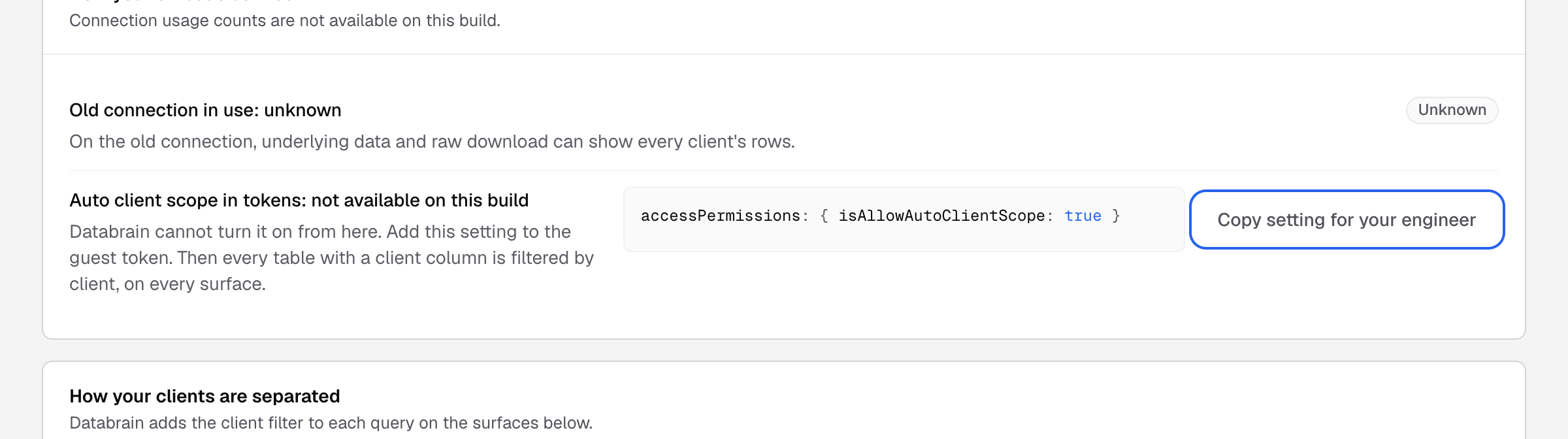
There is no switch in the app. Set the flag in the guest token request:
{
  "clientId": "acme-corp",
  "dataAppName": "Customer analytics",
  "params": {
    "accessPermissions": {
      "isAllowAutoClientScope": true
    }
  }
}
Send it to POST /api/v2/guest-token/create. Databrain reads the flag from the stored token, never from a later request.
What Databrain does
For every query from an embed that uses this token:
- It finds the datamart of the workspace and its tenant column mapping.
- It adds a filter on the tenant column for each mapped table the query reads, with the token’s
clientId. - A query that reads only tables with no tenant column runs unchanged. Use those tables for shared lookups, such as a country list.
It applies to metric queries, CSV export, underlying data and drill-down, filter options, report variables, PDF export from an embed, and the standalone <dbn-metric> component.
When Databrain refuses a query
Databrain fails closed. It returns Unable to apply embedded data filters to this query. when:
- The workspace has no datamart, or the mapping cannot be read.
- The query reads a table that is not in the datamart.
- A mapped table in the query did not get a filter, for example inside a
UNION.
Limits
- Platform users in the app are not scoped. Only verified guest tokens are.
- A token with
isAllClient: trueis not scoped. - The Tenancy tab of a data app shows Auto client scope in tokens: not available on this build with the same snippet. Use the token flag above.