

Organization
Choose a plan and manage billing
See what each plan includes, change your plan, and find invoices.
Before you start
- You are an Admin.
- Your company uses Databrain cloud. A self-hosted install has no Billing page; your licence sets the features.
Change your plan
-
Go to Settings > Billing.
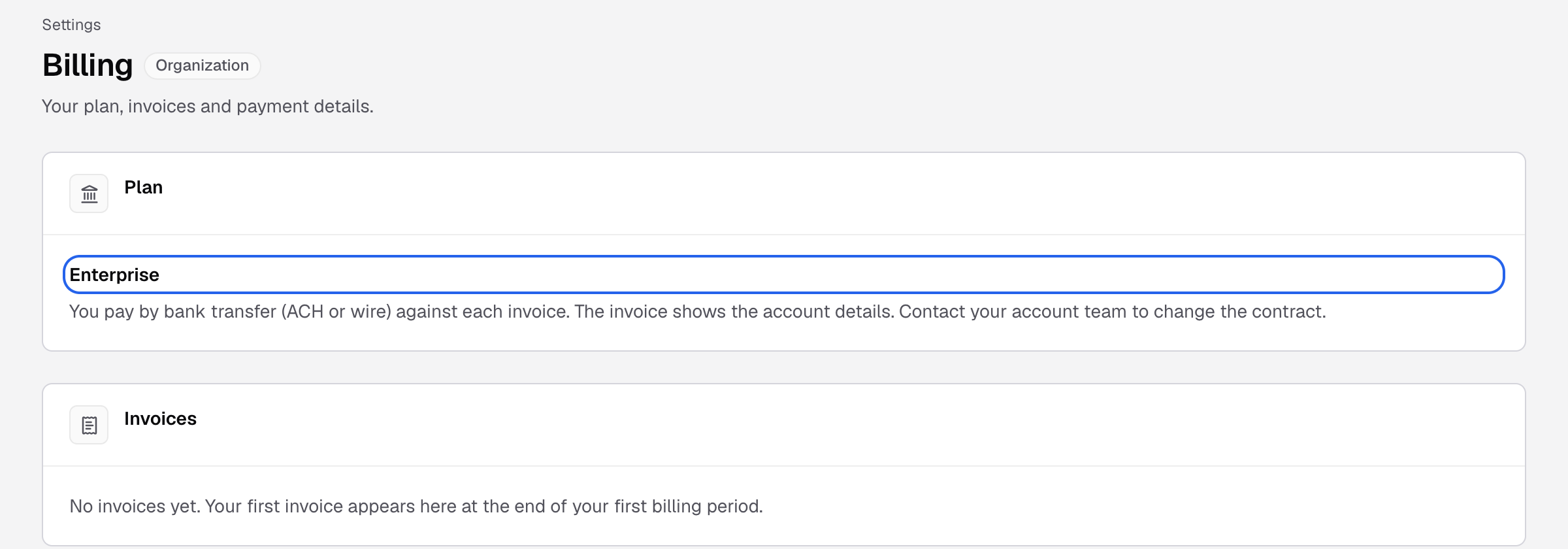
Billing shows your plan and invoices. Self-serve plans show plan cards here; Enterprise shows the contract. -
Choose Monthly or Yearly, save 20%.
-
On a plan card, select Upgrade, Downgrade or Start with the plan name.
-
Complete the payment steps.
The card shows Current plan. An upgrade charges the prorated difference now. A downgrade credits it on the next invoice.
On the Team plan, you can add 0 to 7 extra builders, up to 10 in total. Select Update builders to change the number.
Enterprise companies pay by bank transfer against each invoice. To change an Enterprise contract, contact your account team.
Invoices, card and cancel
- Invoices: listed on Settings > Billing. Select View invoice or View receipt.
- Card: select Update payment method.
- Cancel: select Cancel subscription. The plan stays active until the end of the period you paid for. Select Keep subscription to undo.
Default limits
| Solo | Team | Business | Enterprise | |
|---|---|---|---|---|
| Builders | 1 | 3, up to 10 | 10 | Unlimited |
| Datasources | 1 | 3 | Unlimited | Unlimited |
| Workspaces | 1 | 3 | Unlimited | Unlimited |
| Credits a month | 500 | 3,000 | 25,000 | Unlimited |
Viewers are free on every plan. One credit is one Bryn turn on Databrain’s model. A contract can set other limits. See your own limits and what you used on Usage.
A new company gets a 14-day trial with every feature.
Features by plan
Each plan includes the plans above it.
| Plan | Adds |
|---|---|
| Solo | Bryn and natural-language questions, semantic models, Python and SQL metrics, auto refresh, MFA, dashboard environments, custom charts |
| Team | More than one datasource per workspace, metric store |
| Business | Custom roles, row and column security, SSO with OIDC, query caching, drill down, forecasting, AI summaries, predictive analytics |
| Enterprise | Embedding (data apps, embeds, guest tokens), SSO with SAML, white labeling, email white labeling, custom URL, localization, webhooks, Diagnostics and audit logs, self-hosted |
When a feature is not on your plan
- A locked control says Available on and the plan name.
- A dialog says the feature is not on your plan and which plan has it.
- Admins see Upgrade to a plan, View plans or Talk to us. Other people see Ask an admin.
- The API answers
403with the codeentitlement_required, thecapability, yourcurrentPlanand therequiredPlan.
Existing embeds keep working when your plan changes. Only creating new ones is locked.
If something goes wrong
- Update your payment method first. An invoice is open. Pay it, then change plans.
- Your plan is managed by Databrain. Contact support to add builders.
- Billing is for company admins. Ask an Admin.