

Dashboards
Customize a dashboard layout
Move and resize cards, set the gaps, and publish the layout for all customers or one client.
Before you start
- You are an Admin or Editor.
- The dashboard has at least one metric or element.
- Your browser window is at least 768 px wide. On smaller screens Edit layout does not show.
Steps
-
Open the dashboard and select Edit layout in the header. The Editing layout bar opens.

Edit layout is the layout icon in the dashboard header. -
In Publish layout for, choose All customers or the client you picked in the header.
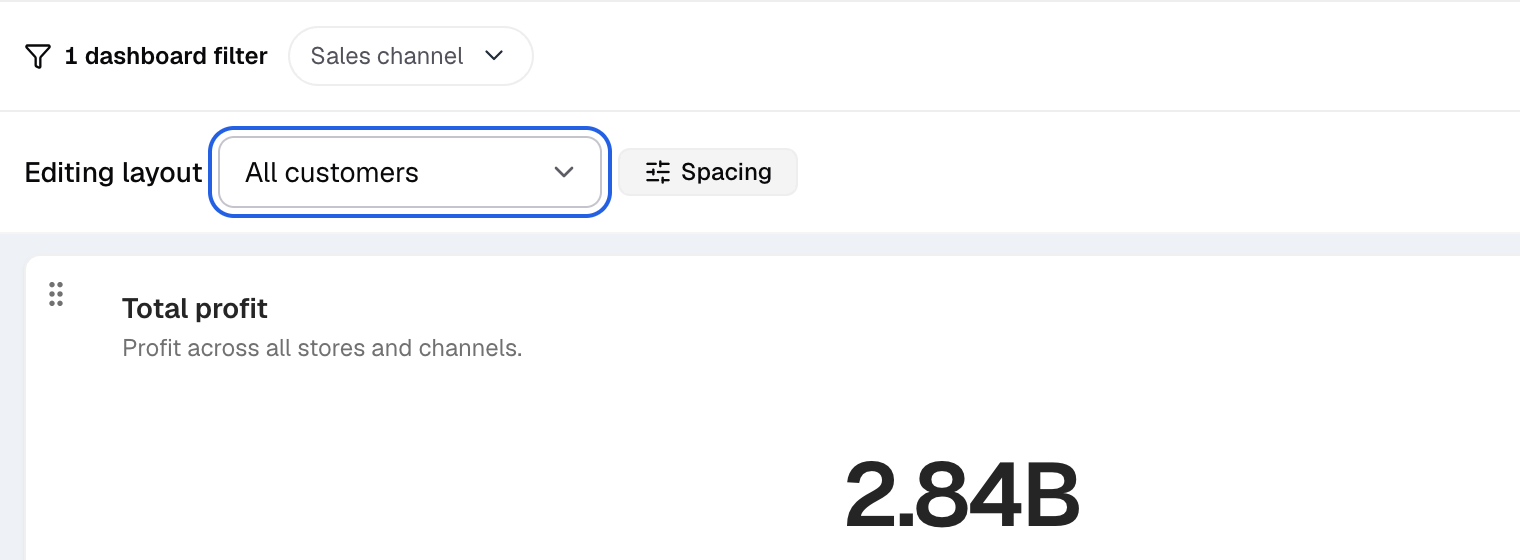
Pick who the layout is for at the left of the Editing layout bar. -
Drag a card to move it.
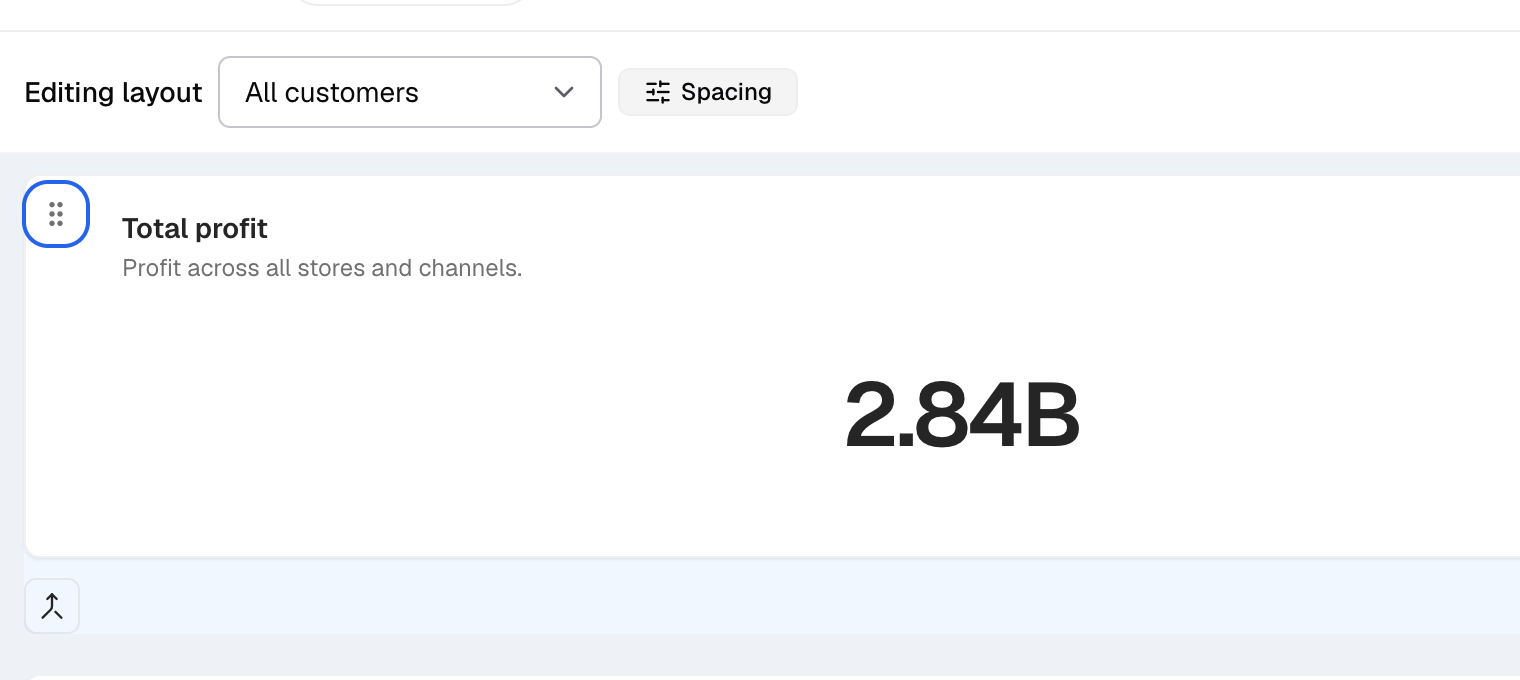
Drag a card by the grip at its top left. -
Drag the resize handle of a card to change its size. You can also focus the handle and use the arrow keys.
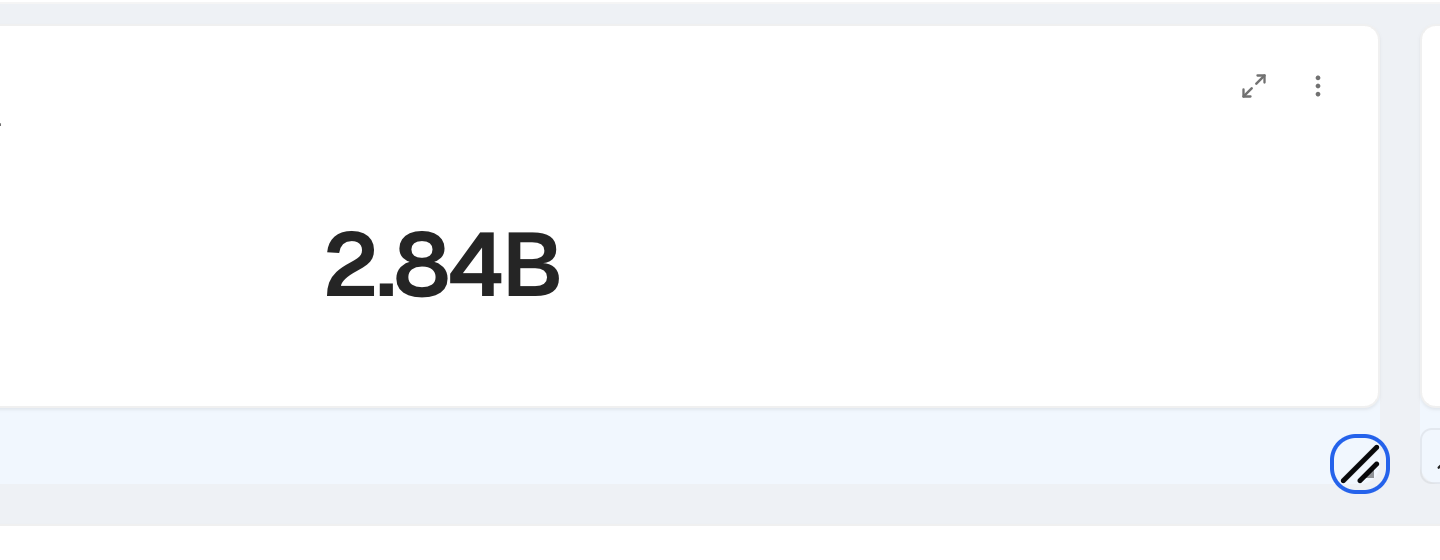
The resize handle sits at the bottom right corner of the card. -
Optional: select Spacing and set Horizontal gap and Vertical gap, from
0to20. The default is10.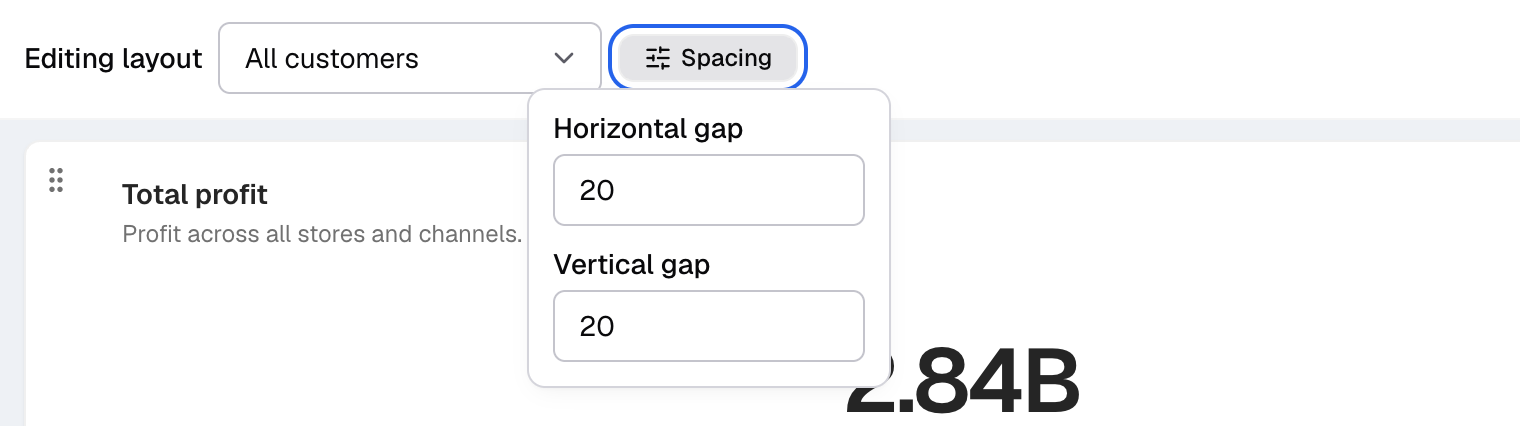
Spacing opens the Horizontal gap and Vertical gap fields. -
Select Save layout, or press Enter.
-
If you chose All customers, select Publish layout in Publish layout for all customers?.
The bar closes and the cards stay where you put them. Customers who have their own saved client layout keep it. Select Discard to leave without saving.
Next, add a dashboard filter.
What else you can do in Edit layout
- Reorder filters. Drag the filters in the filter bar. Their order saves with the layout.
- Merge metrics. Select Merge metrics on a card to put several metrics in one card. You can add Dividers and a Divider Color between them.
How the grid works
- The grid has 12 columns while you edit.
- On tablets and phones, viewers see a compact grid with fewer columns.
- A dashboard has one grid. There are no tabs or pages inside a dashboard.
If something goes wrong
- Edit layout is off. The dashboard is empty, or a client made it.
- Dashboard source changed. Someone else changed the dashboard. Review the changes and save again.
- You reloaded the page before you saved. Select Restore layout to get your changes back. If you close the tab, unsaved changes are lost.