

Supported connectors
Connect BigQuery
Connect BigQuery with a service account key.
Before you start
- You are an Admin or a Developer, or your role has the datasource Connect permission.
- You have a Google Cloud service account with the roles
roles/bigquery.dataViewerandroles/bigquery.jobUser. - You have a JSON key for that service account.
Connect
-
Go to Data Studio > Datasources and select Connect data source.
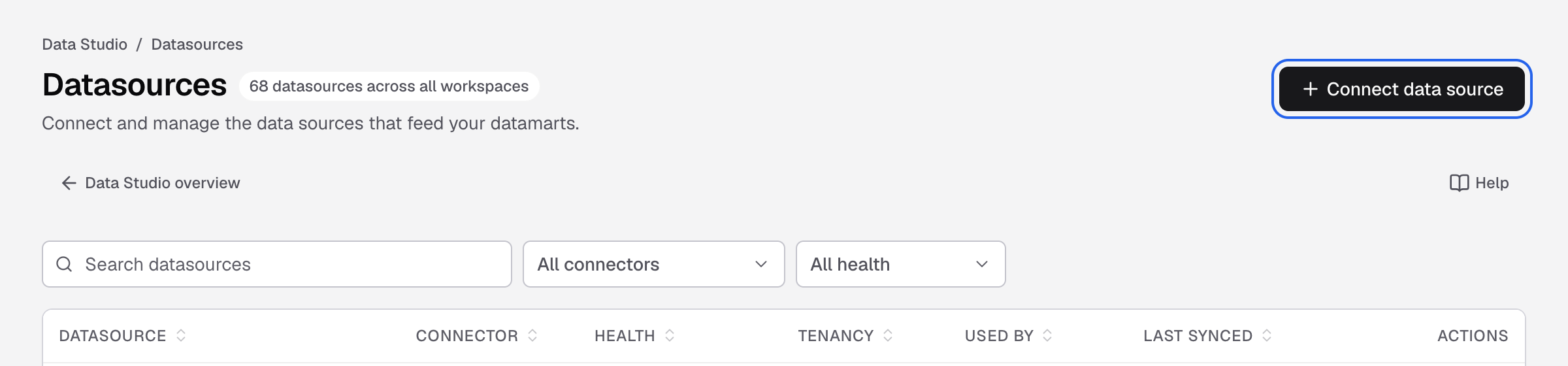
Connect data source is at the top right of the Datasources page. -
Select BigQuery. You can type the name in Search connectors.
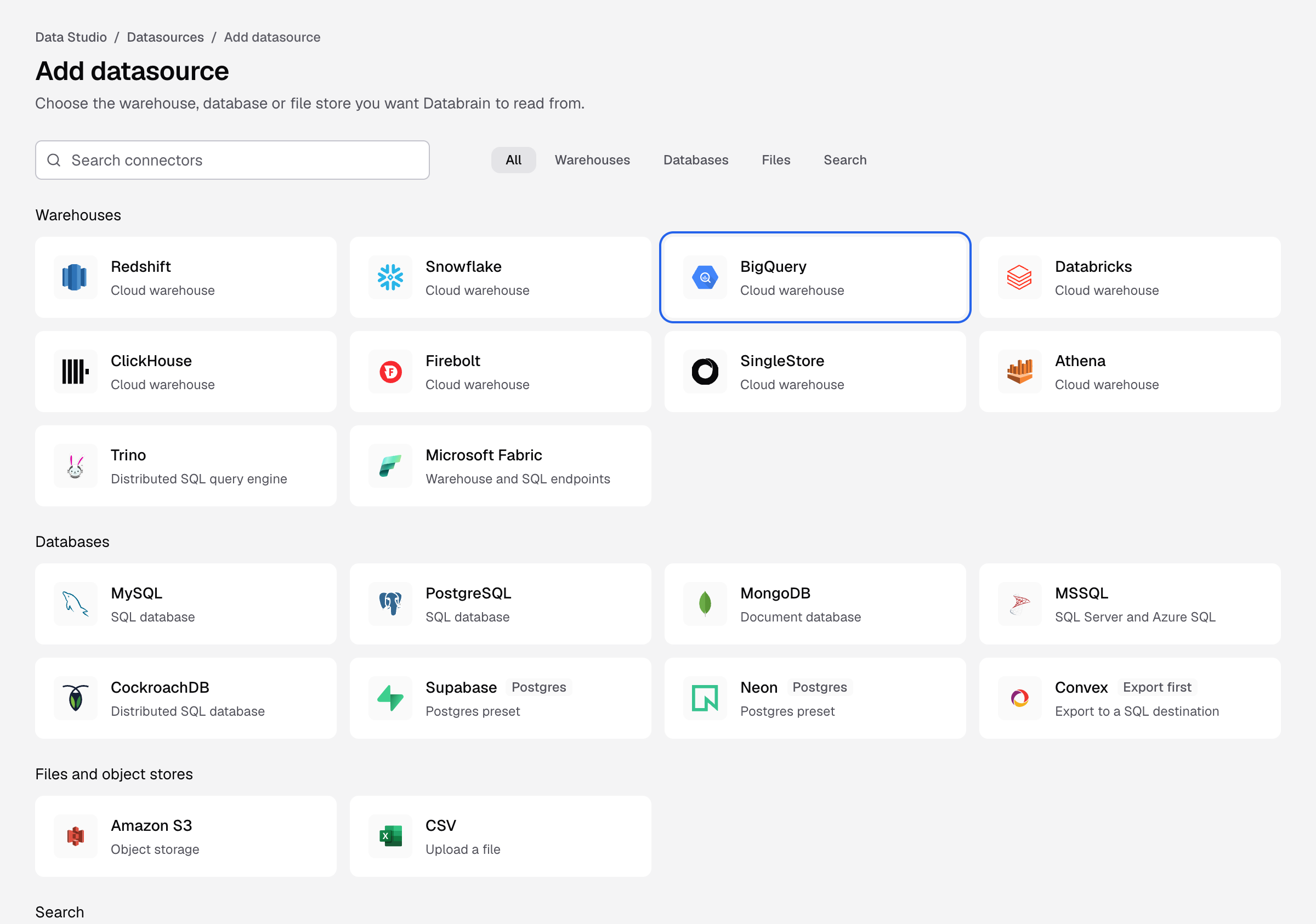
The BigQuery tile on the Add datasource page. -
Fill in the form:
Field What to enter Datasource name How this datasource appears in lists and pickers, for example Production warehouse.Project ID The Google Cloud project that holds the dataset. Dataset Location The dataset region, for example US,EUoreurope-west2.Default Dataset ID The dataset Databrain reads by default. Service account key (JSON) Paste the full JSON key. Self-hosted Databrain on GKE with Workload Identity can leave it empty. -
Select Connect datasource.
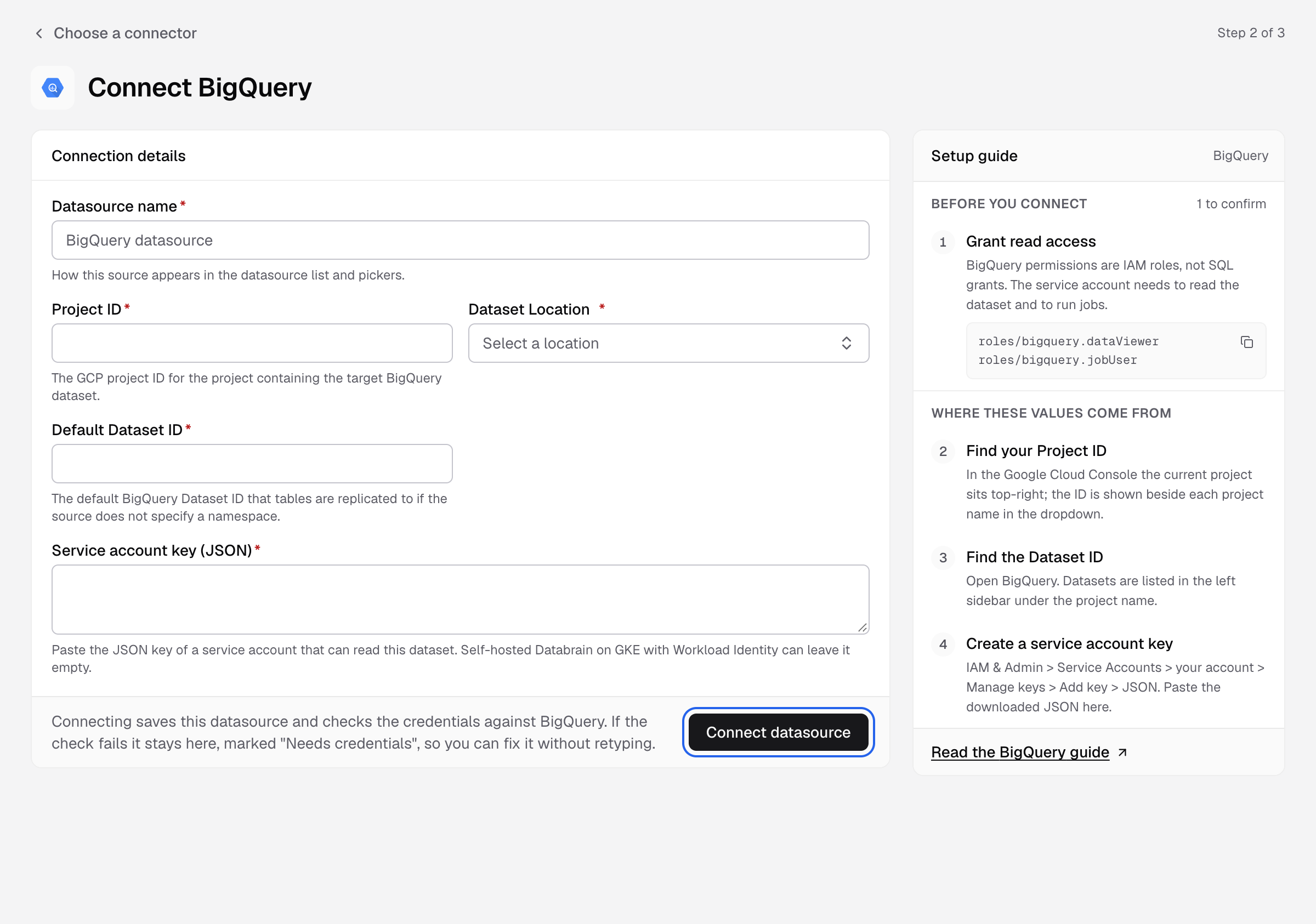
Databrain checks the connection and reads your schema. You see Step 3 of 3 with Model your data. Next, create a datamart.
Give the service account access
BigQuery uses IAM roles, not SQL grants. The service account needs both roles:
roles/bigquery.dataViewer
roles/bigquery.jobUser
Where to find the values
- Project ID: the project menu at the top of the Google Cloud console shows the ID next to each project name.
- Dataset ID: open BigQuery. Datasets are listed under the project name in the left panel.
- Key: IAM & Admin > Service Accounts > your account > Keys > Add key > Create new key > JSON.
If something goes wrong
If the check fails, the datasource stays on the form with Needs credentials. Fix the field the message names and select Connect datasource again.
- The database did not answer in time. A firewall blocks Databrain. Allow the outbound IP on the database port.
- The database rejected these credentials. Check the username and password, and that the user can sign in from a remote host.
- The credentials worked, but the user cannot read the catalogue. Run the grants above.
- The service account key is not valid JSON. Paste the whole file, from the first
{to the last}.