

Supported connectors
Connect Supabase
Connect your Supabase Postgres database with its connection string.
The Supabase tile uses the PostgreSQL connector with SSL turned on. Your saved datasource is a PostgreSQL datasource.
Before you start
- You are an Admin or a Developer, or your role has the datasource Connect permission.
- You have a Postgres user with SELECT on the tables you want to read. A dedicated user is best.
- If your project has network restrictions, they allow Databrain’s outbound IP. See Allow Databrain’s IP.
Built with Lovable, Bolt or v0? Your app builder is not the database. Check your project’s database integration. If it is Neon, follow Connect Neon.
Copy the connection string
- Open your project in the Supabase dashboard and select Connect.
- Copy the Direct connection string (port
5432). If your network uses IPv4 and the direct host needs IPv6, copy the Session pooler string (also port5432). - Replace the password placeholder with your database password. This is not your Supabase account password or an API key.
Do not use the transaction pooler on port 6543. Transaction pooling can break prepared statements.
Connect
-
Go to Data Studio > Datasources and select Connect data source.
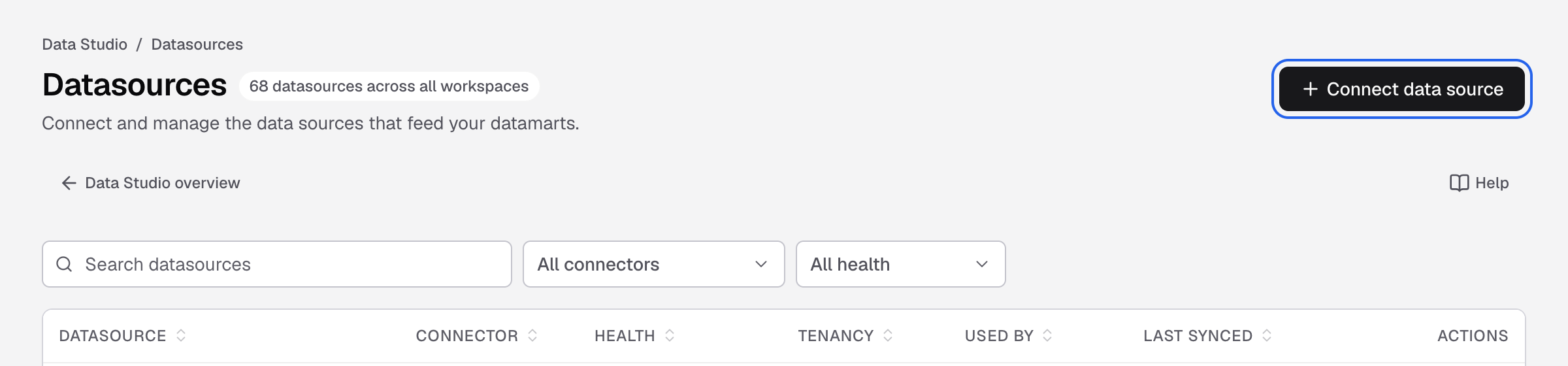
Connect data source is at the top right of the Datasources page. -
Select Supabase.
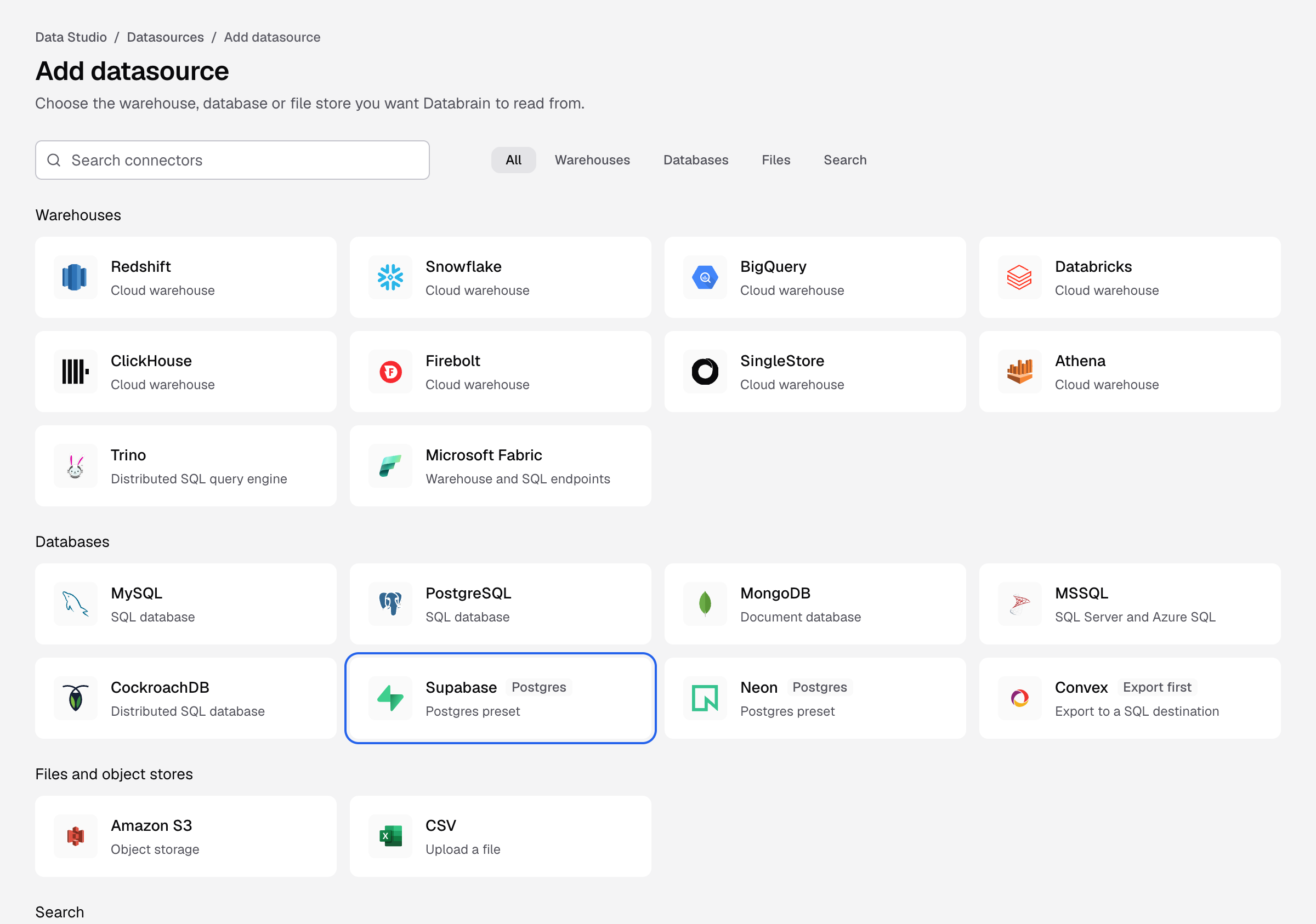
The Supabase tile on the Add datasource page. -
Paste the string into Connection string. Databrain fills Host, Port, Database Name, Username and Password.
-
Enter a Datasource name, for example
Supabase production. -
Keep SSL mode at
require. Keep Schemas atpublicunless your tables live in another schema. -
Select Connect datasource.
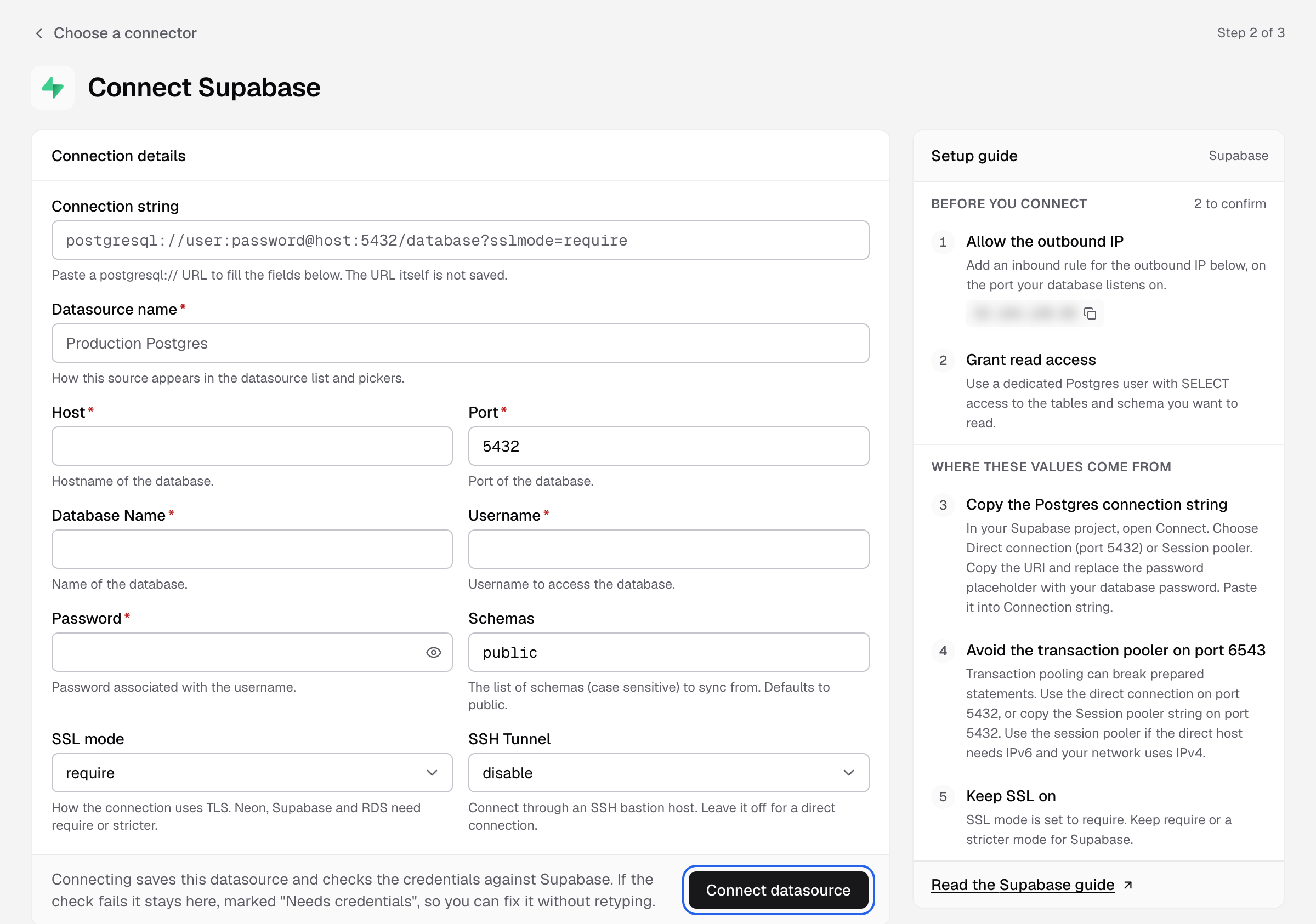
Databrain checks the connection and reads your schema. Next, create a datamart.
If something goes wrong
- The database did not answer in time. The direct host may need IPv6. Use the Session pooler string on port
5432. - The database rejected these credentials. Keep the pooler username exactly as Supabase shows it, for example
postgres.<project-ref>. - The connection failed while negotiating TLS. Set SSL mode to
require.