Supported connectors
Use Convex data
Export your Convex data to a SQL database, then connect that database.
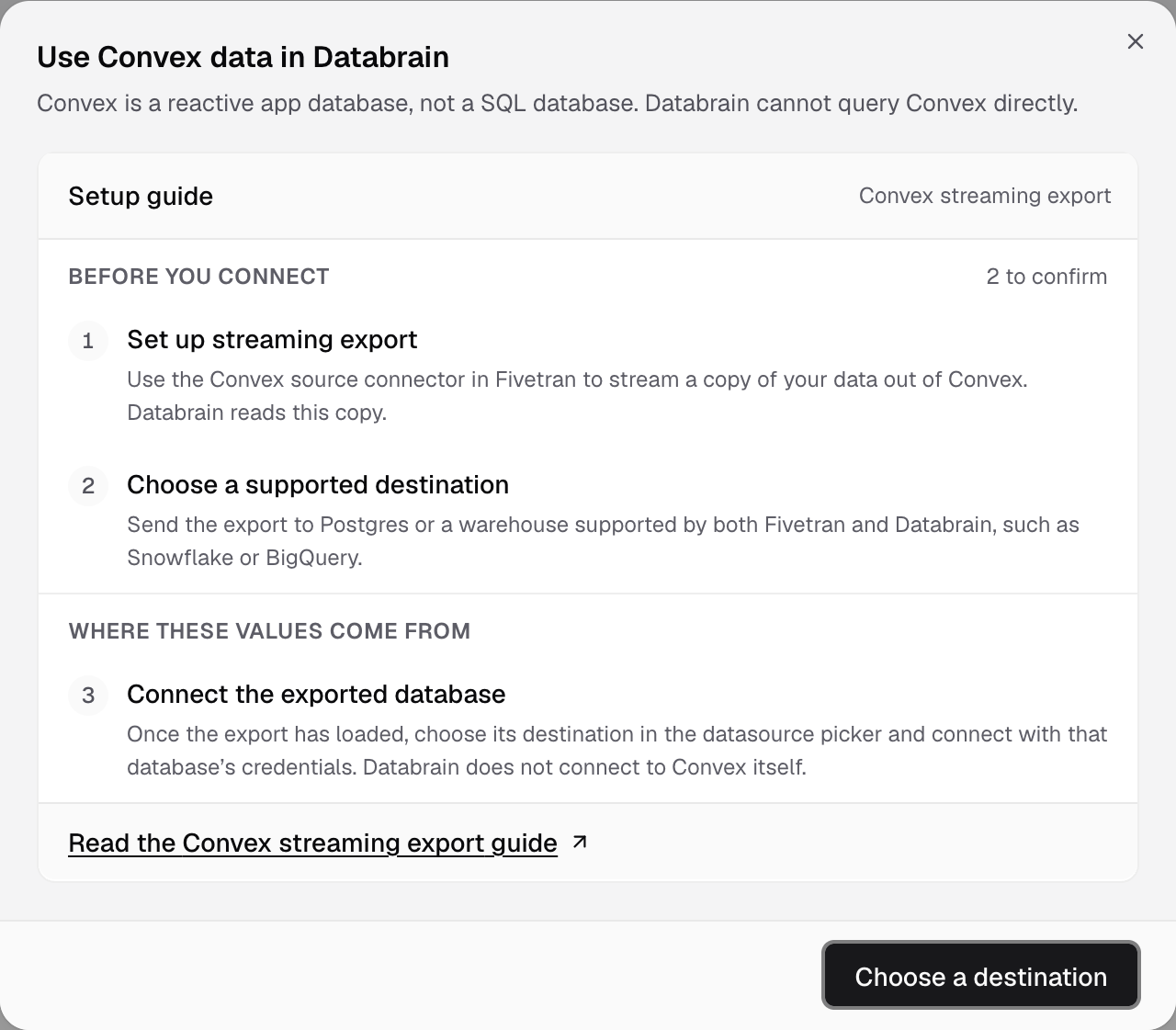
Convex is a reactive app database, not a SQL database. Databrain cannot query Convex directly. Stream a copy of your data to a SQL destination, then connect the destination.
Steps
- In Fivetran, set up the Convex source connector to stream your data out of Convex. See Convex streaming export.
- Send the export to PostgreSQL or a warehouse that both Fivetran and Databrain support, such as Snowflake or BigQuery.
- Wait until the first export has loaded.
- In Databrain, go to Data Studio > Datasources and select Connect data source.
- Select the destination’s tile, for example PostgreSQL, and connect with that database’s credentials. See the connector list.