

Dashboard filters
Pass a dashboard filter into metric SQL
Use a Variable Filter to put the picked value into your metric's SQL where you choose.
A Variable Filter does not filter a column for you. It puts the value a viewer picks into a placeholder in your metric SQL.
Before you start
- You are an Admin or Editor.
- The metric uses custom SQL, so you can add the placeholder. See Create a metric using custom SQL.
Steps
-
Open the dashboard and select Add filter.
-
Fill in Step 1 of 2: Filter values and select Next. See Create a dashboard filter.
-
In Step 2 of 2: Apply filter, set Target to Variable Filter.
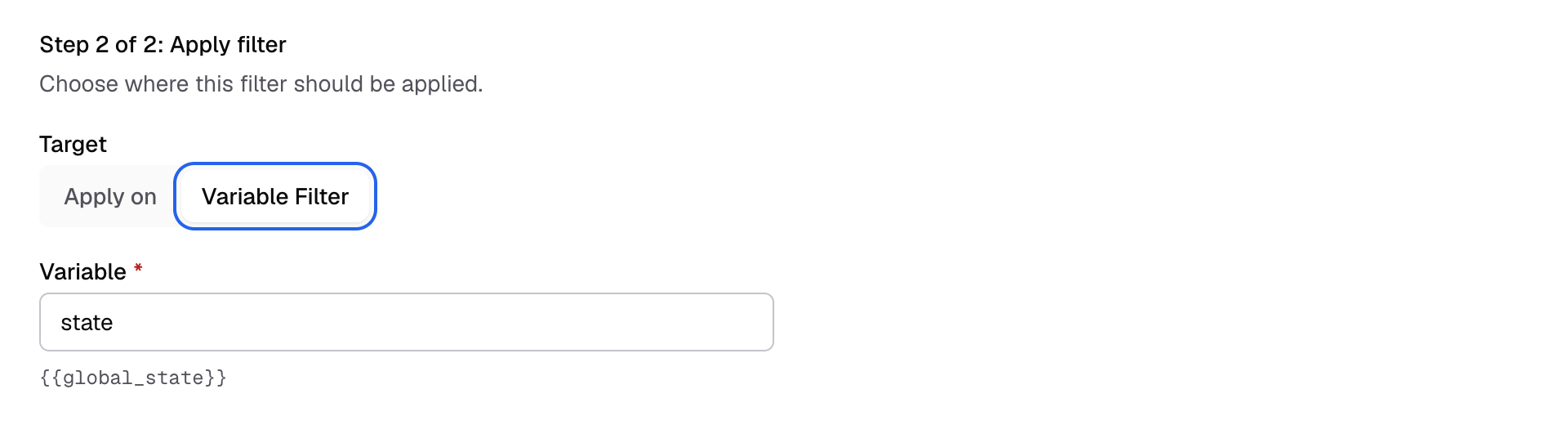
Set Target to Variable Filter. -
Enter a name in Variable, for example
region. For a range or a date range, enter From and To.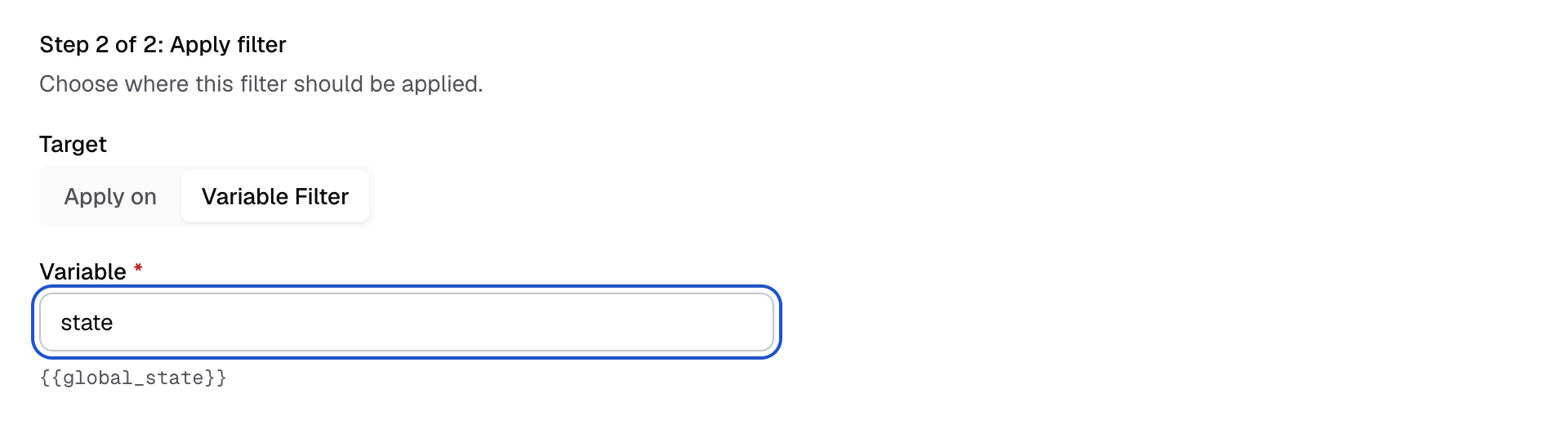
Name the variable in the Variable field. -
Copy the placeholder shown under the field, for example
{{global_region}}.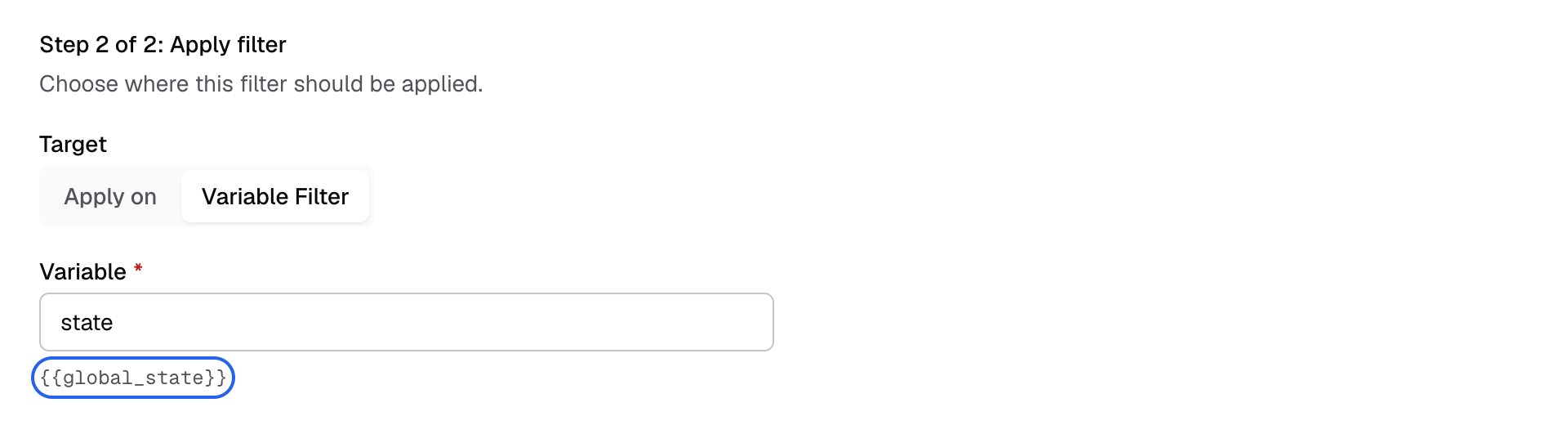
The placeholder to put in the metric SQL shows under the field. -
Select Save.
-
Open the metric and put the placeholder in its SQL:
SELECT region, SUM(amount) AS revenue
FROM orders
WHERE region = {{global_region}}
GROUP BY region
When a viewer picks West, the query runs with WHERE region = 'West'.
How values are put in
| Filter | Placeholder becomes |
|---|---|
| Single-Select | One quoted value: 'West' |
| Multi-Select | A list: ('West', 'East'). Write region IN {{global_region}}. |
| Range | Two numbers, one for From and one for To. Write amount BETWEEN {{global_min}} AND {{global_max}}. |
- Optional parts: wrap a part of the SQL in
[[ ]]. Databrain drops it when a variable inside has no value. For example:WHERE 1 = 1 [[AND region = {{global_region}}]]. - Safe values: Databrain quotes and escapes each value. A value that contains
{{ }}or[[ ]]is refused.
A Variable Filter does not keep one client’s data away from another. Viewers can change it. To scope data to a client, use tenancy or an app filter. See Configure tenants.