

Metrics
Merge metrics into one card
Group several metric cards and their filters into one card on a dashboard.
Before you start
- Your role has Change Layout on Dashboard. Admins and Editors have it by default.
- You use a screen 768 px wide or more. Edit layout is not shown on phones.
- The dashboard was not made by a client.
Steps
-
Open the dashboard.
-
Select Edit layout.

Edit layout is the second icon in the dashboard toolbar. -
In Publish layout for, select All customers.

Publish layout for sits at the left of the Editing layout bar. -
Under the card that will hold the others, select the Merge metrics icon button. It shows on each card only while Edit layout is on.
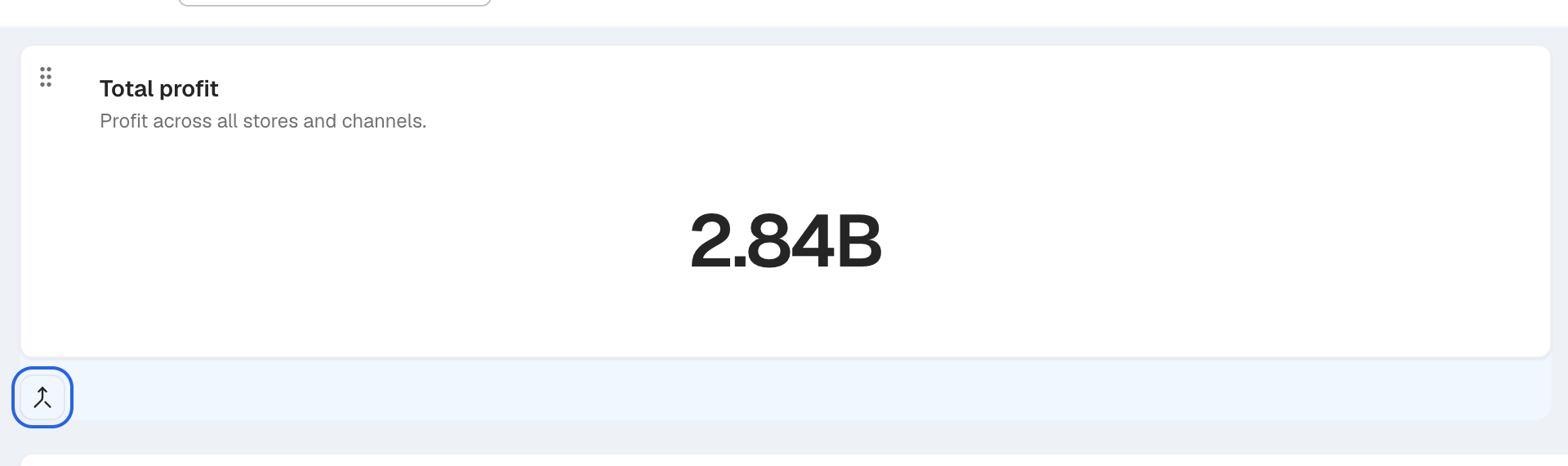
The Merge metrics icon button sits under each card while Edit layout is on. -
The Merge Metrics dialog opens.
-
In Metric Cards, select the cards to merge into this one.
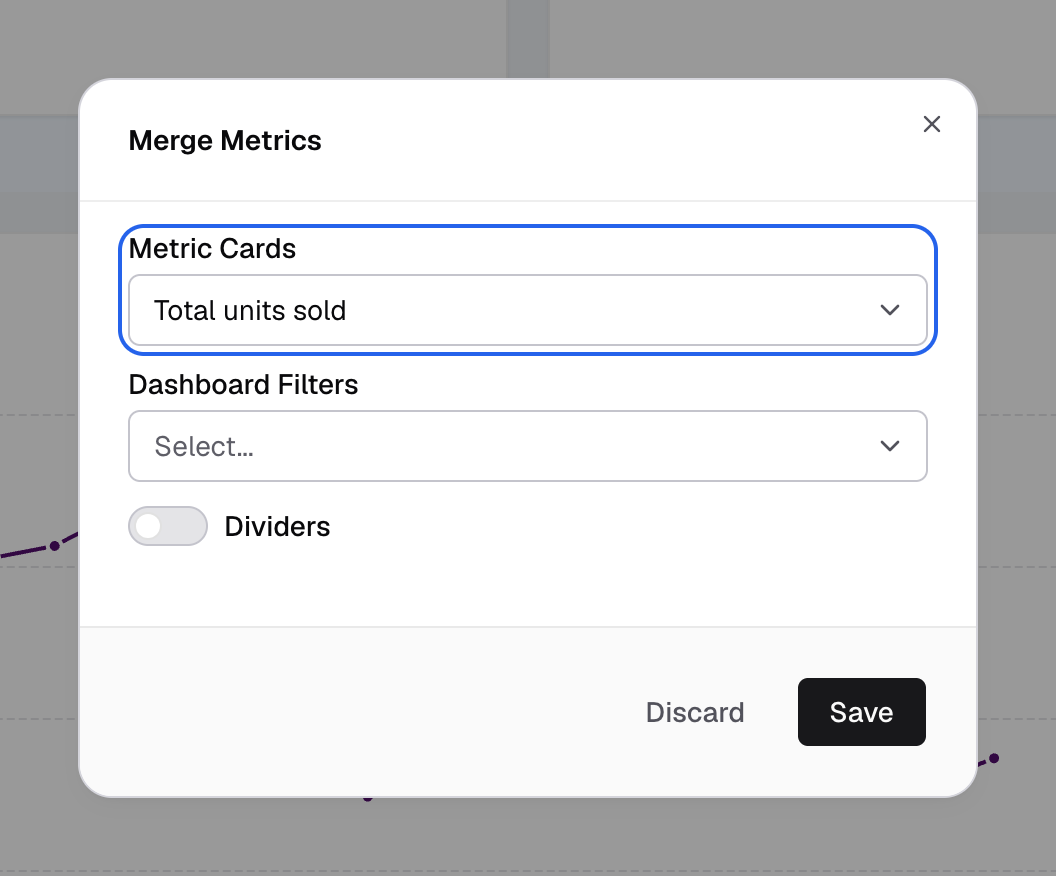
Pick the cards to merge into this one under Metric Cards. -
Optional: in Dashboard Filters, select filters to show inside this card. See Section filters.
-
Optional: turn on Dividers and pick a Divider Color.
-
Select Save.
-
Select Save layout.
The cards show as one card. Its height is the sum of the cards in it.
Save in the dialog only stages the change. Nothing is saved until you select Save layout. Select Discard in the toolbar to drop it.
A merged card cannot be archived or deleted from Home > Metrics. Unmerge it first.
If something goes wrong
- The Merge metrics button is not shown. It is not in the More actions menu. Turn on Edit layout and set Publish layout for to All customers, then look under the card.
- A card is not in Metric Cards. It is already merged into another card, or merging it would loop back to this card.
- Metrics changed. Reload the dashboard and try again. A card in the merge changed. Reload and merge again.
- Dashboard data is still loading. Try again. Wait for the cards to load.