

Metrics
Combine single value metrics in an expression
Add a dashboard card that calculates one number from other single value metrics, for example a ratio.
Before you start
- The dashboard has at least one metric with the Single Value chart.
- Your role has Create on Elements. Admins have it by default.
- The datasource is not OpenSearch or Elasticsearch.
Steps
-
Open the dashboard.
-
Select Add element.

Add element is the third icon in the dashboard toolbar. -
Optional: enter a Title and Description.
-
In Element Type, select Metric Expression.
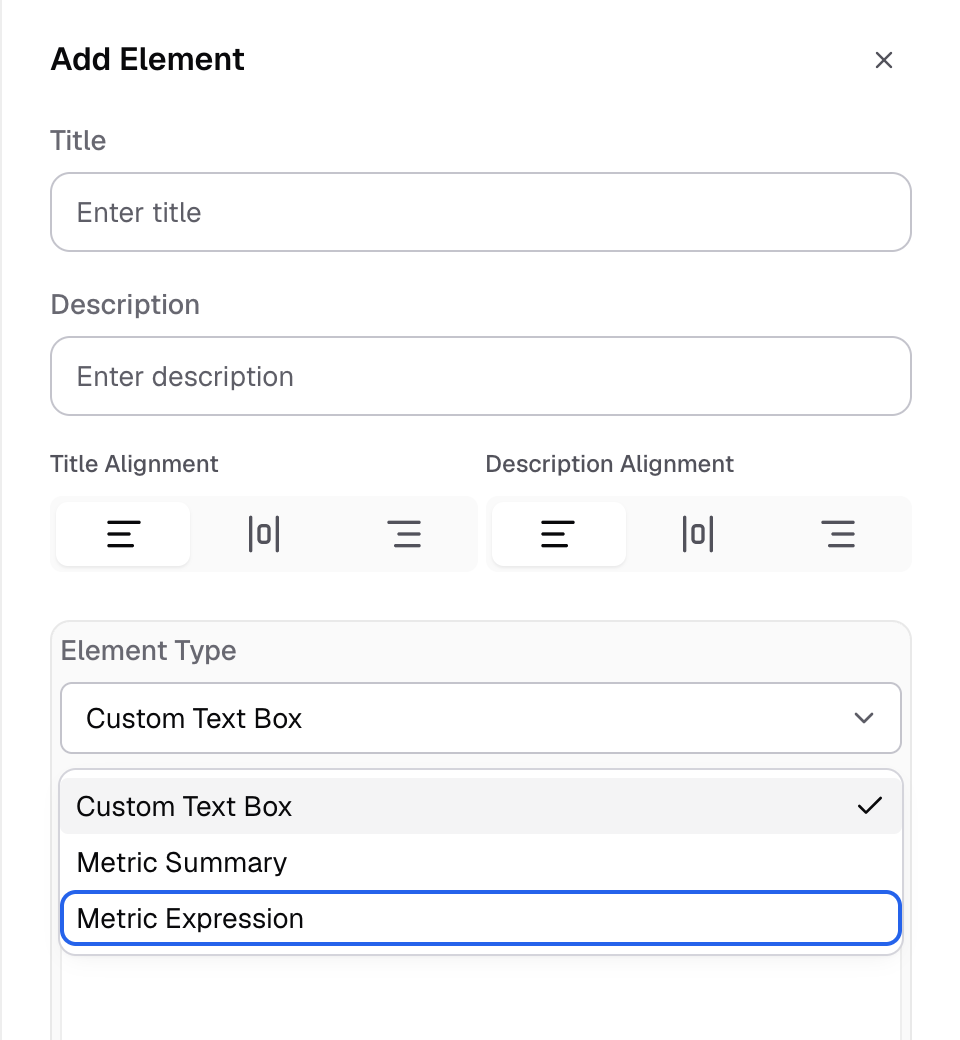
Metric Expression is the third choice in Element Type. -
In Metrics, select the single value metrics to use. The list shows their names. Find each Metric ID on Home > Metrics, in the Metric ID column.
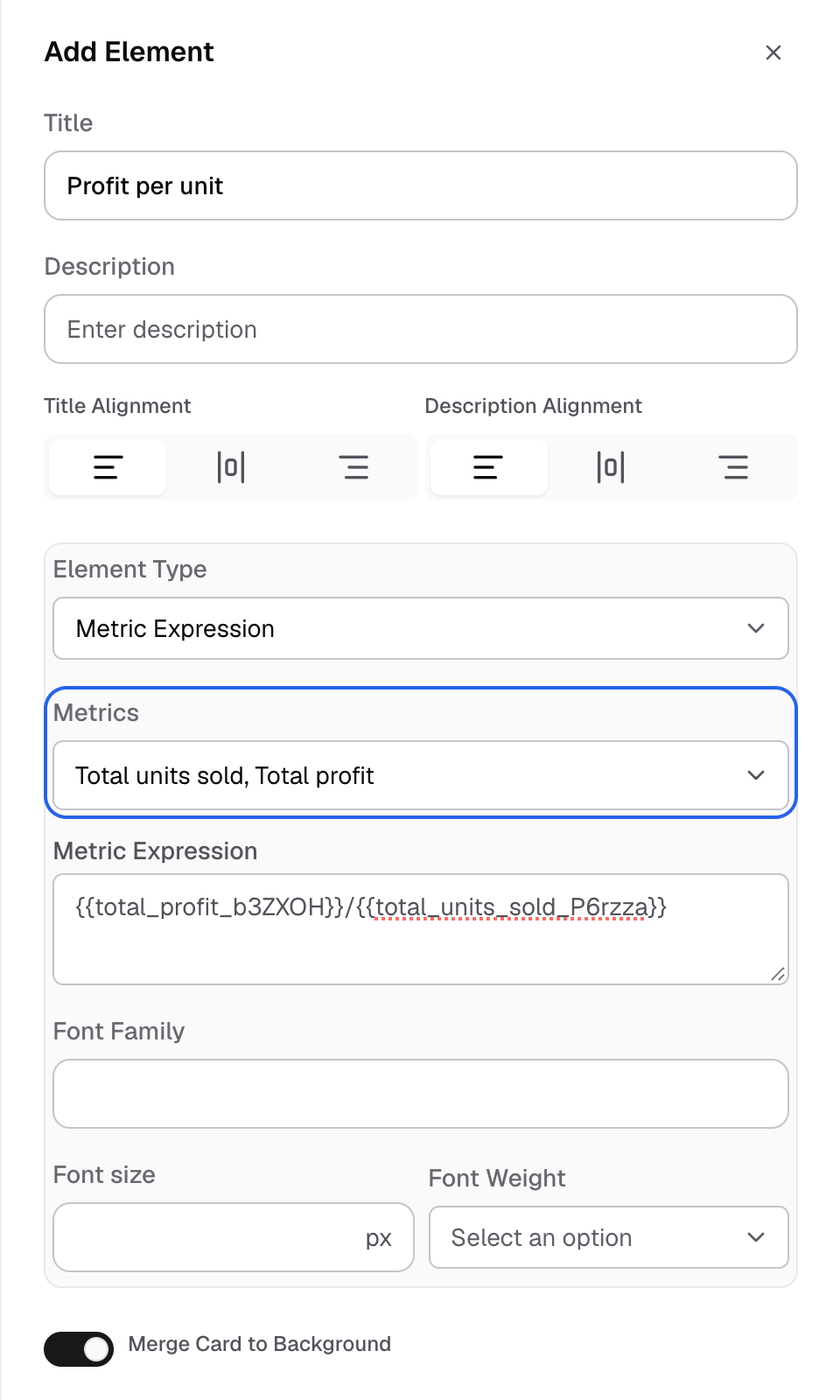
Metrics lists only the dashboard's Single Value metrics. -
In Metric Expression, enter the formula. Write each metric as
{{Metric ID}}, for example{{revenue_total}}/{{order_count}}.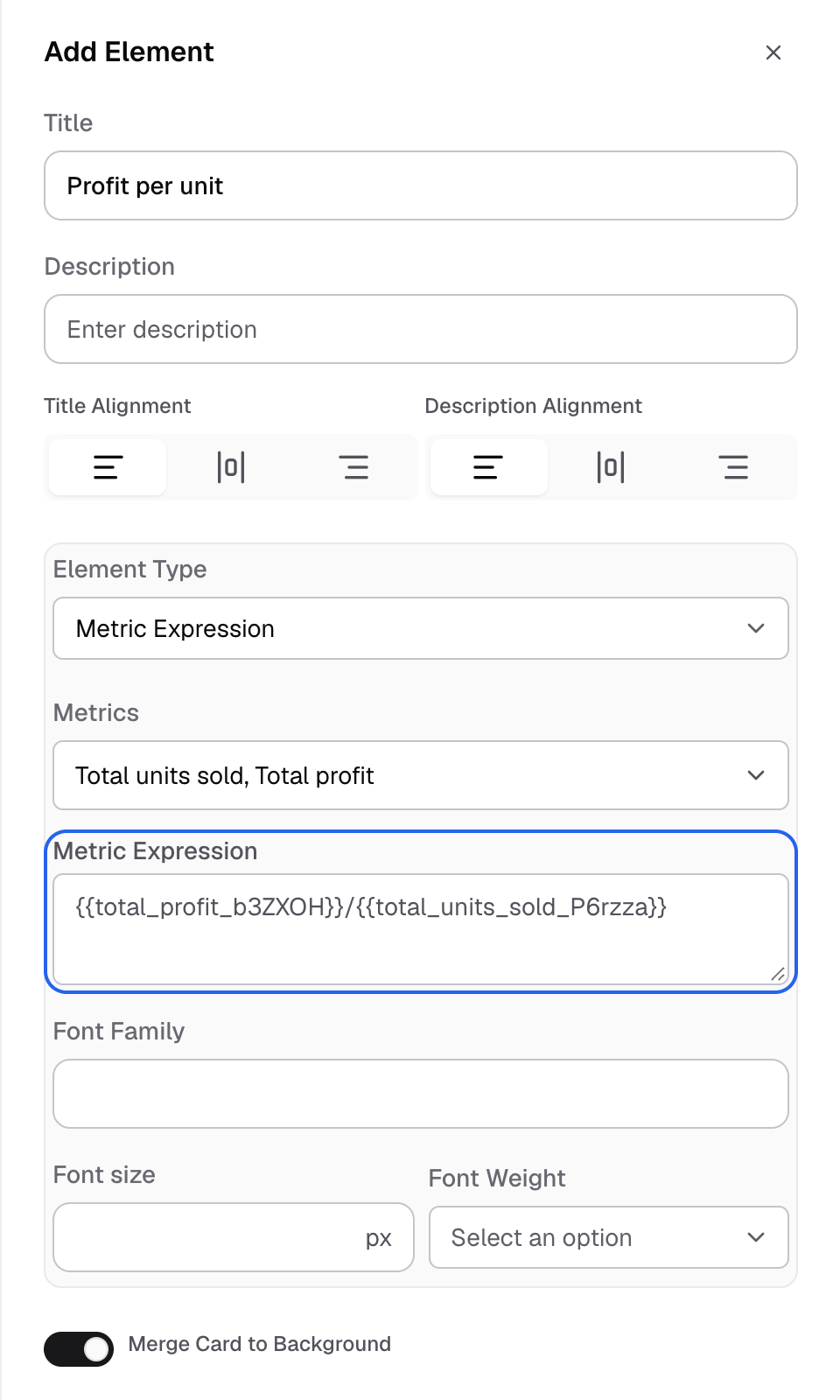
Write each metric as its Metric ID in double braces. -
Optional: set Font Family, Font size and Font Weight.
-
Select Save.
The card shows the result of the formula.
How the formula works
Databrain runs the formula as SQL on your datasource. Each {{Metric ID}} becomes that metric’s single value.
- Use
+,-,*,/, parentheses and the SQL functions your datasource supports. For example:ROUND({{revenue_total}}/{{order_count}}, 2). - Put an operator in double quotes to show it as text instead of calculating it. For example,
{{won_deals}}"/"{{all_deals}}shows12 / 40. - A metric that is not a single value is left out of the formula.
Find a metric’s ID in Home > Metrics in the Metric ID column.
If something goes wrong
- No Single Card metrics found. Create a metric to enable metric expression. Add a metric with the Single Value chart to the dashboard.
- Metric Expression is not available in your datasource. OpenSearch and Elasticsearch do not support it.