

Metrics
Put a filter inside a merged card
Move a dashboard filter from the top filter bar into a merged card.
A section filter is a dashboard filter that sits inside a merged card instead of the top filter bar. You set it in the Dashboard Filters field when you merge metrics.
Steps
-
Open the dashboard and select Edit layout.

Edit layout is the second icon in the dashboard toolbar. -
In Publish layout for, select All customers.

Publish layout for sits at the left of the Editing layout bar. -
Under the merged card, select the Merge metrics icon button. It shows only while Edit layout is on.
-
In Dashboard Filters, select the filters to show in this card.
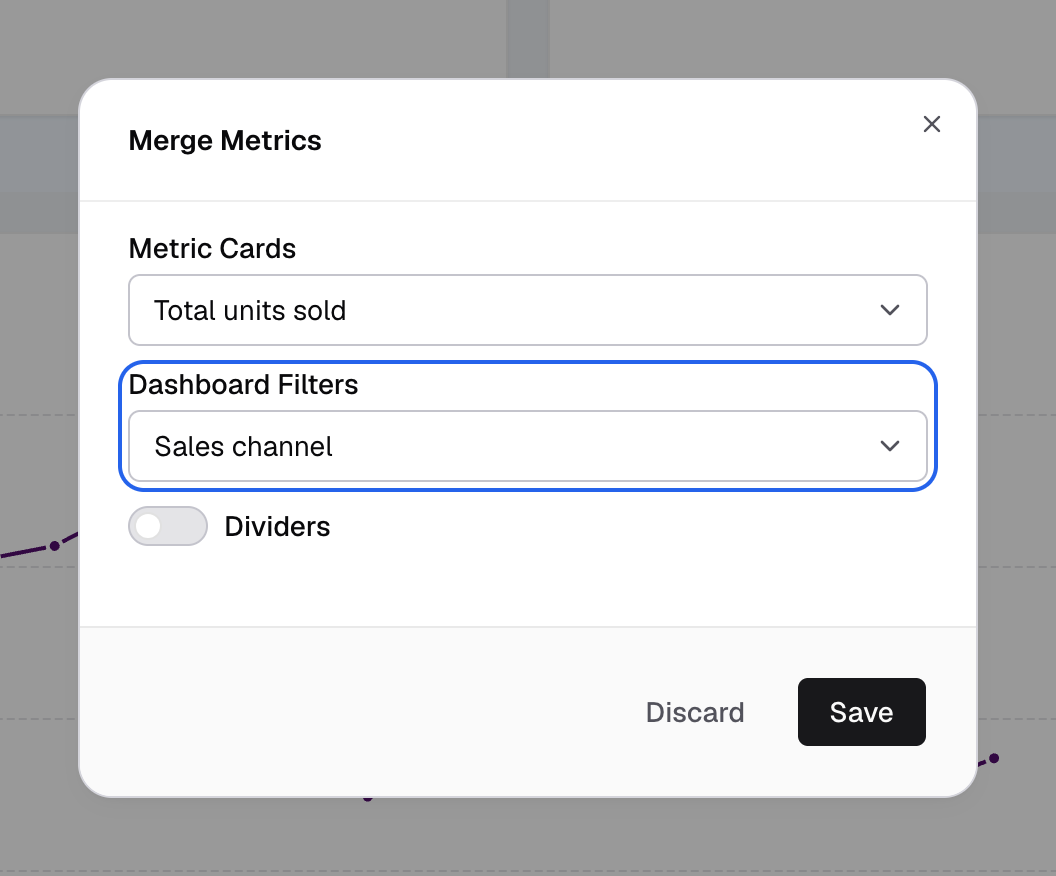
Pick the filters to show inside the merged card under Dashboard Filters. -
Select Save.
-
Select Save layout.
The filters leave the top filter bar and show inside the merged card.
This moves where the filter shows. Which metrics the filter changes still comes from the filter’s own settings. See Dashboard filters.