

SQL and Python
SQL guidelines
Rules for SQL that works in the metric builder: aliases, quotes, client filters and filter variables.
Rules
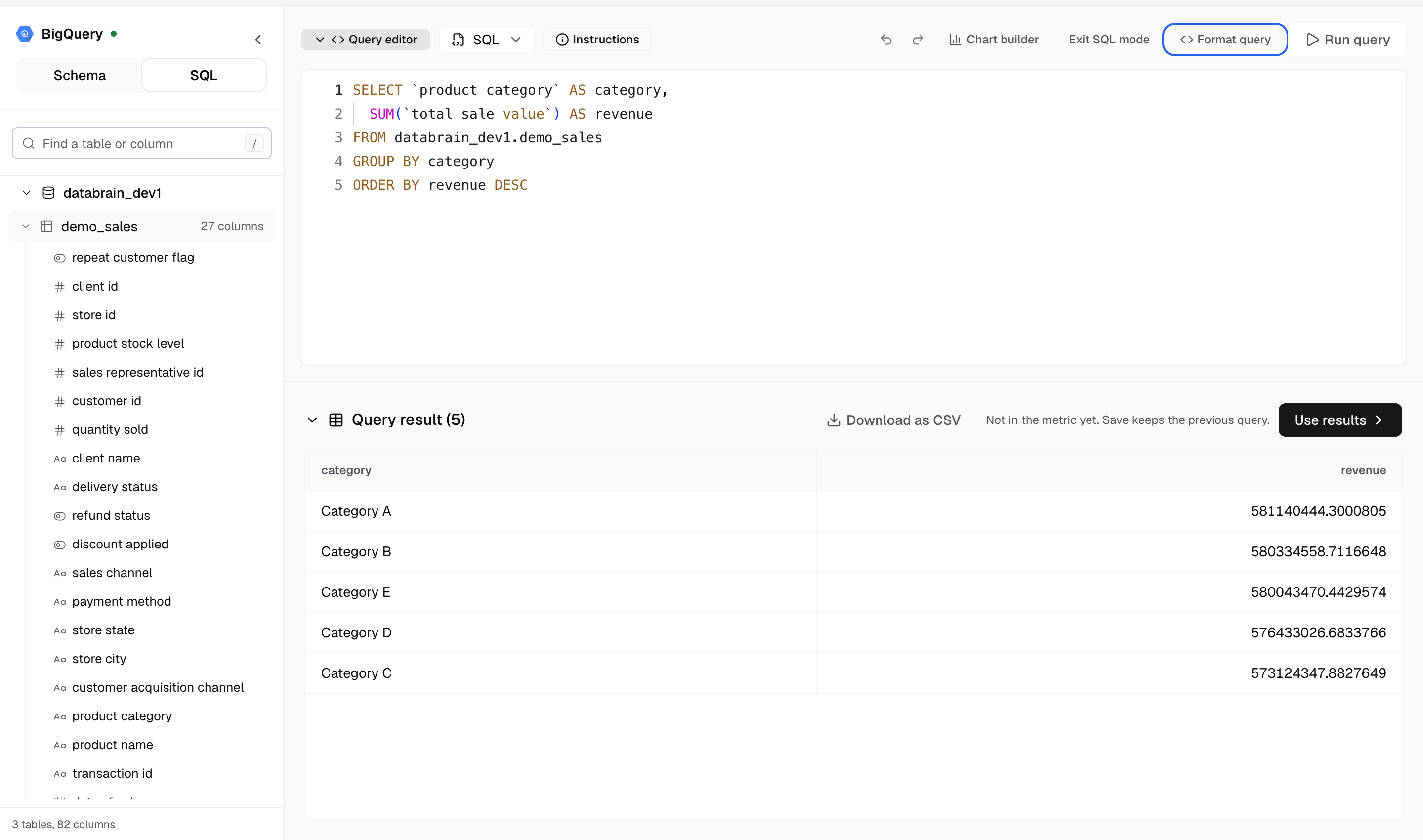
- Write one
SELECTorWITHquery. Databrain refuses statements that change data, such asINSERT,UPDATE,DELETE,CREATE,DROPorGRANT. - Give every column, table, subquery and join an alias with
AS. - Put identifiers and aliases in double quotes:
"schema_name"."table_name" AS "alias_name". - Write SQL for your warehouse’s dialect. Date functions, quotes and limits differ between warehouses.
Client filter
Customer-facing metrics must filter by client.
| Tenancy | Write | Databrain puts in |
|---|---|---|
| Table | WHERE "client_id" = 'client_id_variable' | The client ID from the guest token |
| Database | FROM {{DATABASE_NAME}}.schema.table | The client’s database name |
A numeric client column takes a bare number. For a token with access to all clients, the filter becomes IS NOT NULL.
Filter variables
Let a metric filter or a dashboard filter change the query:
- In the metric filter settings, choose Variable Filter.
- Enter the Variable Value, for example
region. It shows as{{region}}. - Use it in the SQL:
WHERE "region" = '{{region}}'.
Wrap an optional part in [[ ]]. Databrain drops the part when its variable is empty:
SELECT "o"."status" AS "status", COUNT(*) AS "orders"
FROM "public"."orders" AS "o"
WHERE "o"."client_id" = 'client_id_variable'
[[ AND "o"."region" = '{{region}}' ]]
GROUP BY "o"."status"
The editor suggests variables as you type, under Metric Filter Variables and Dashboard Filter Variables.
Microsoft SQL Server and Fabric
- Use a subquery instead of
WITH. - Use
ORDER BYonly withTOPorOFFSET ... FETCH.