

Metric filters
Metric filters
A metric filter lets viewers change one metric. A dashboard filter changes many.
A metric filter is a control that viewers use to change one metric. You add it in the metric builder, and it belongs to that metric only.
When to use it
| You want | Use |
|---|---|
| Viewers to pick a value for one card | A metric filter |
| One control that changes many cards on a dashboard | A dashboard filter |
| A fixed condition that viewers cannot change | The Filters button in the Query toolbar. Join, filter, sort and group |
How it works
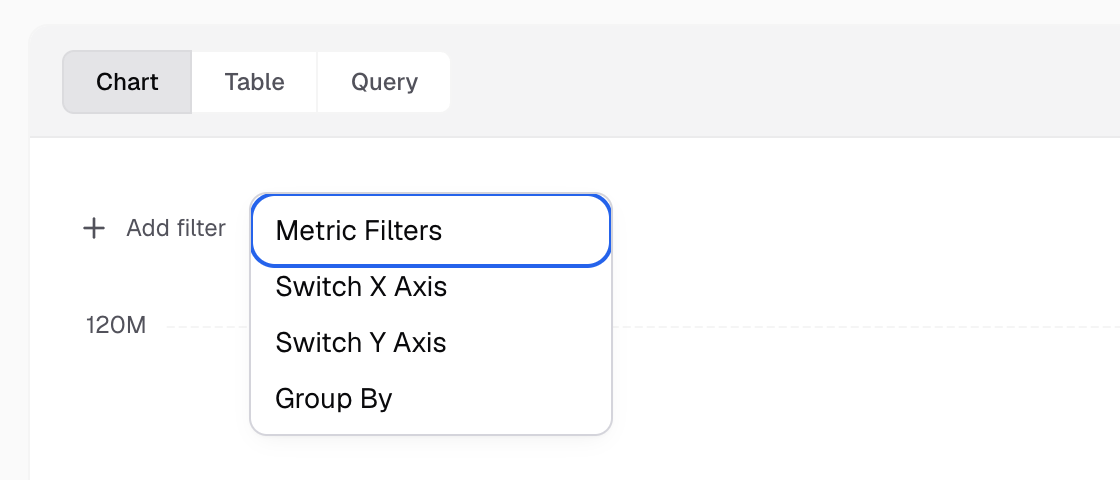
You open it from Add filter > Metric Filters, above the chart in the builder. It is not the Filters button in the Query toolbar.
The setup has two tabs. On Filter Options you choose where the options come from: Auto, Range, Date, Manual or Custom. On Apply On you choose what the picked value changes: a column (Apply On) or a SQL placeholder (Variable Filter).
With App Filter on, your app can set the value in the guest token.
Next, apply a metric filter.