

Metric filters
Use a metric filter as a SQL variable
Put the value a viewer picks into a placeholder in your metric's SQL.
Put the value a viewer picks into a placeholder in your metric’s SQL.
Before you start
- The metric is built with SQL. Create a metric using SQL
Steps
-
In Query editor, add a placeholder in double curly braces, for example:
SELECT * FROM orders WHERE 1=1 [[ AND status IN {{status_variable}} ]]
Put the placeholder in double curly braces inside the query. -
Run the query and select Use results.
-
Above the chart, select Add filter, then Metric Filters.
-
Enter a Filter Name and set the options, for example Manual with Multi-Select. Apply a metric filter
-
Select Next.
-
Of the two tabs, Apply On and Variable Filter, select Variable Filter.
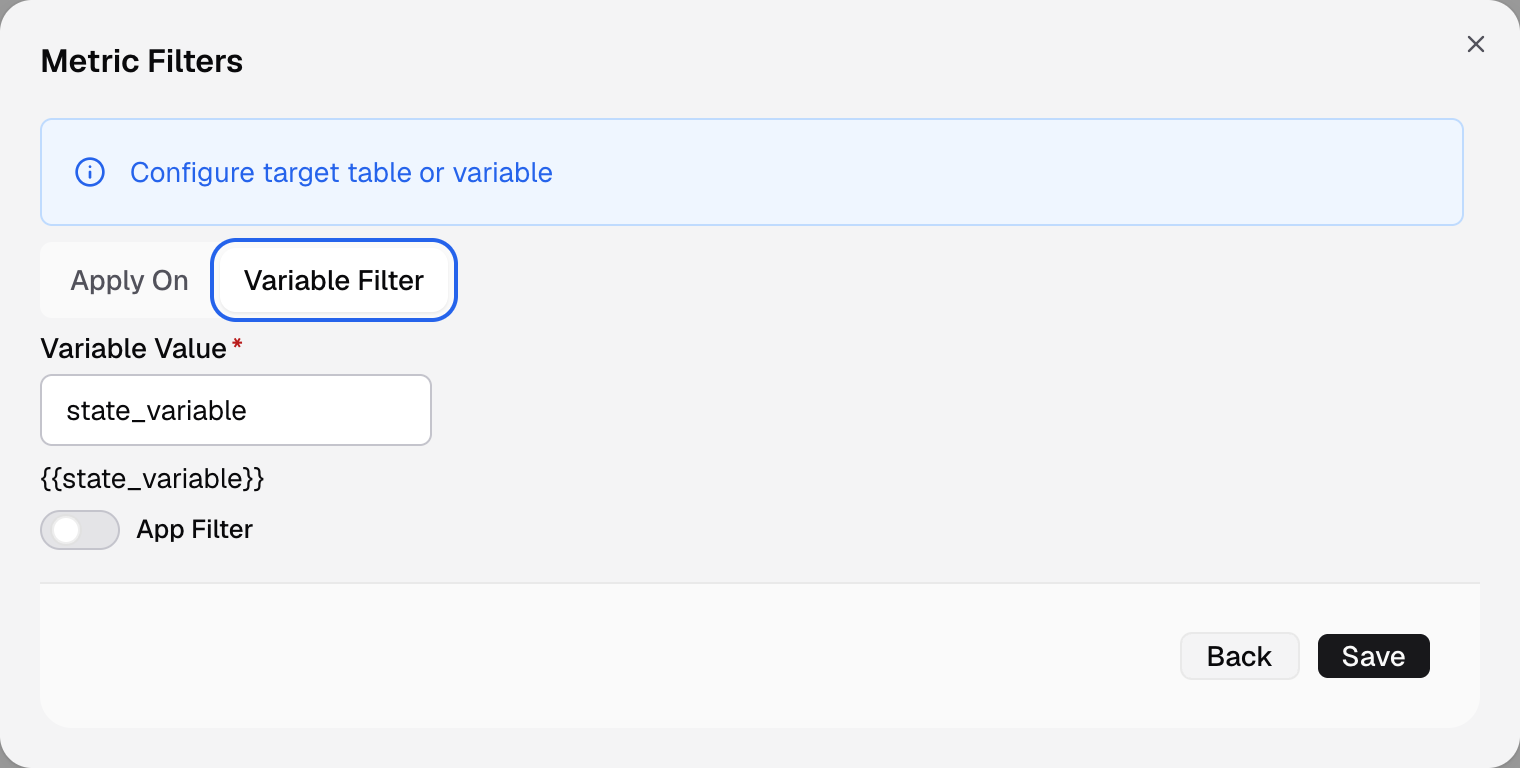
Variable Filter is the second tab of the second step. -
In Variable Value, enter the placeholder name, for example
status_variable.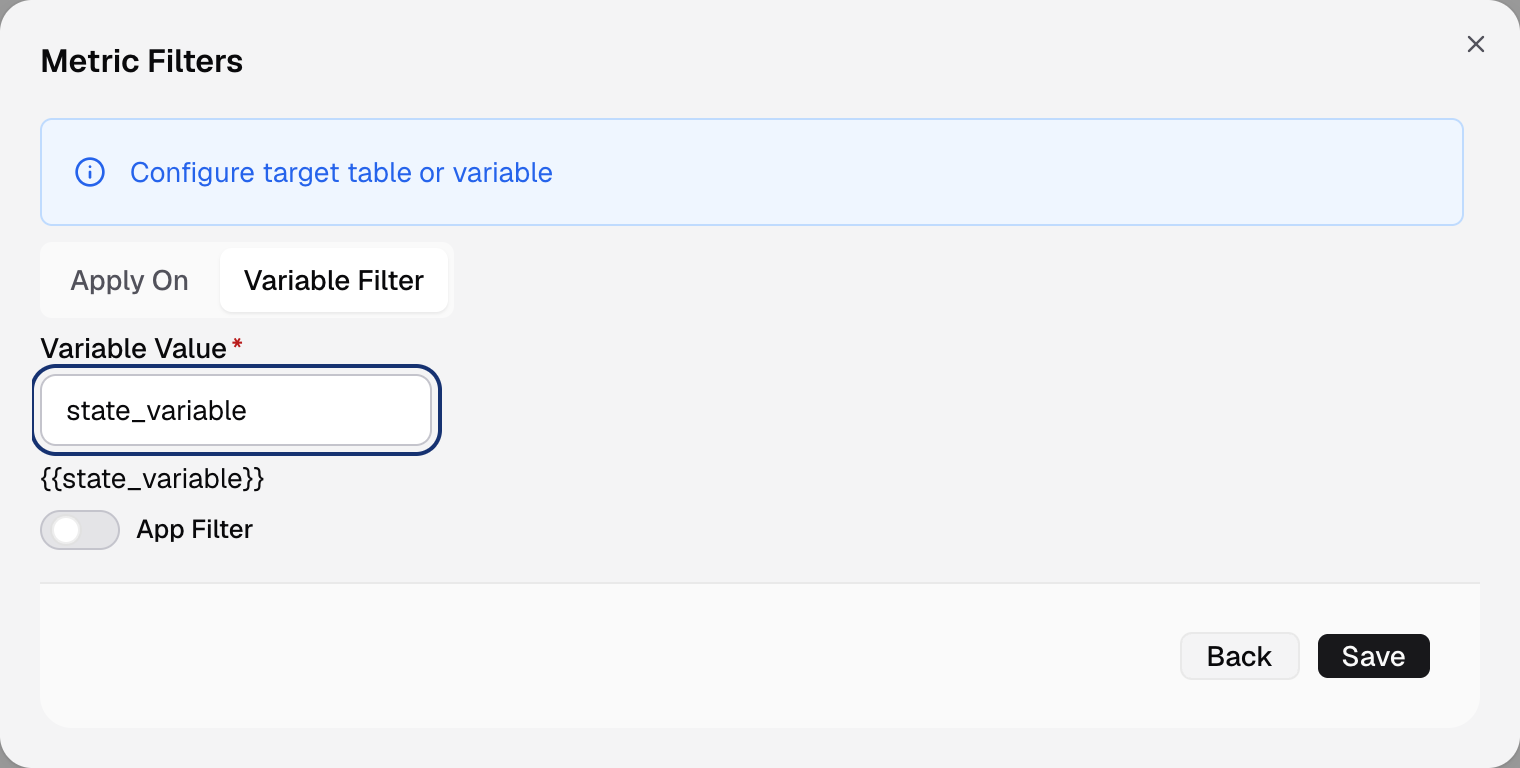
Enter the placeholder name; the line under it shows it in braces. -
Select Save.
Under the field, the form shows the placeholder as {{status_variable}}. When a viewer picks values, Databrain puts them into the query in its place.
How the value goes in
- Single-Select puts in one value. Text values get quotes. Write
status = {{status_variable}}. - Multi-Select puts in a list. Write
status IN {{status_variable}}. - Range and Date ranges ask for two names, From and To, for example
WHERE amount BETWEEN {{min_amount}} AND {{max_amount}}. - Wrap a condition in
[[ ]]to drop it when the viewer picks nothing. Without a value, the example above runs without thestatuscondition.
In Python mode, Variable Filter is the only target.
If something goes wrong
- The filter has no effect. Check that the name in Variable Value matches the placeholder in the SQL exactly.