

Chart types
Set up a Horizontal Combo (Single-Scale) chart
Compare actual values with targets on one horizontal scale. This chart was called Bullet.
Show horizontal bars with marker lines on one shared scale, for example actual against target. This chart was called Bullet.
What the data needs
| Dimensions | Measures |
|---|---|
| Optional. Each value is a row. | 1 or more, for example actual and target |
Steps
-
Add the category field to Dimensions, for example
team. -
Add the measures to Measures, for example
actualandtarget. -
In the chart toolbar, select Chart type, then Horizontal Combo (Single-Scale).
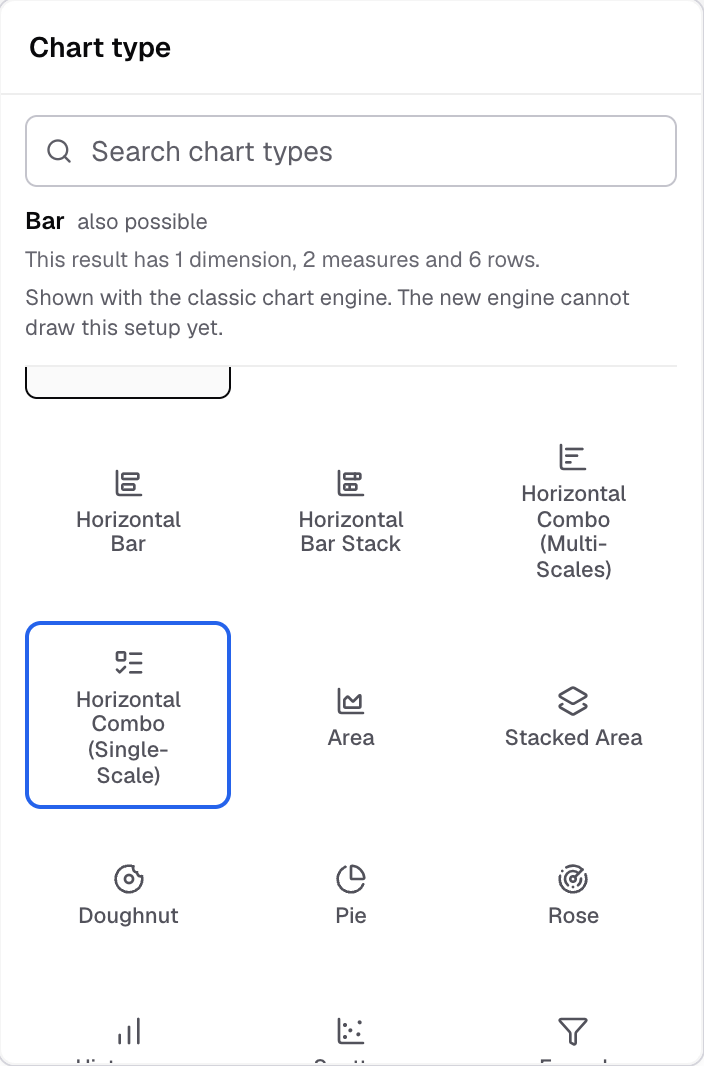
Horizontal Combo (Single-Scale) in the Chart type picker. -
Select Appearance, then open Features.
-
In Bullet measures, choose the measures to show as bullet markers, for example
target.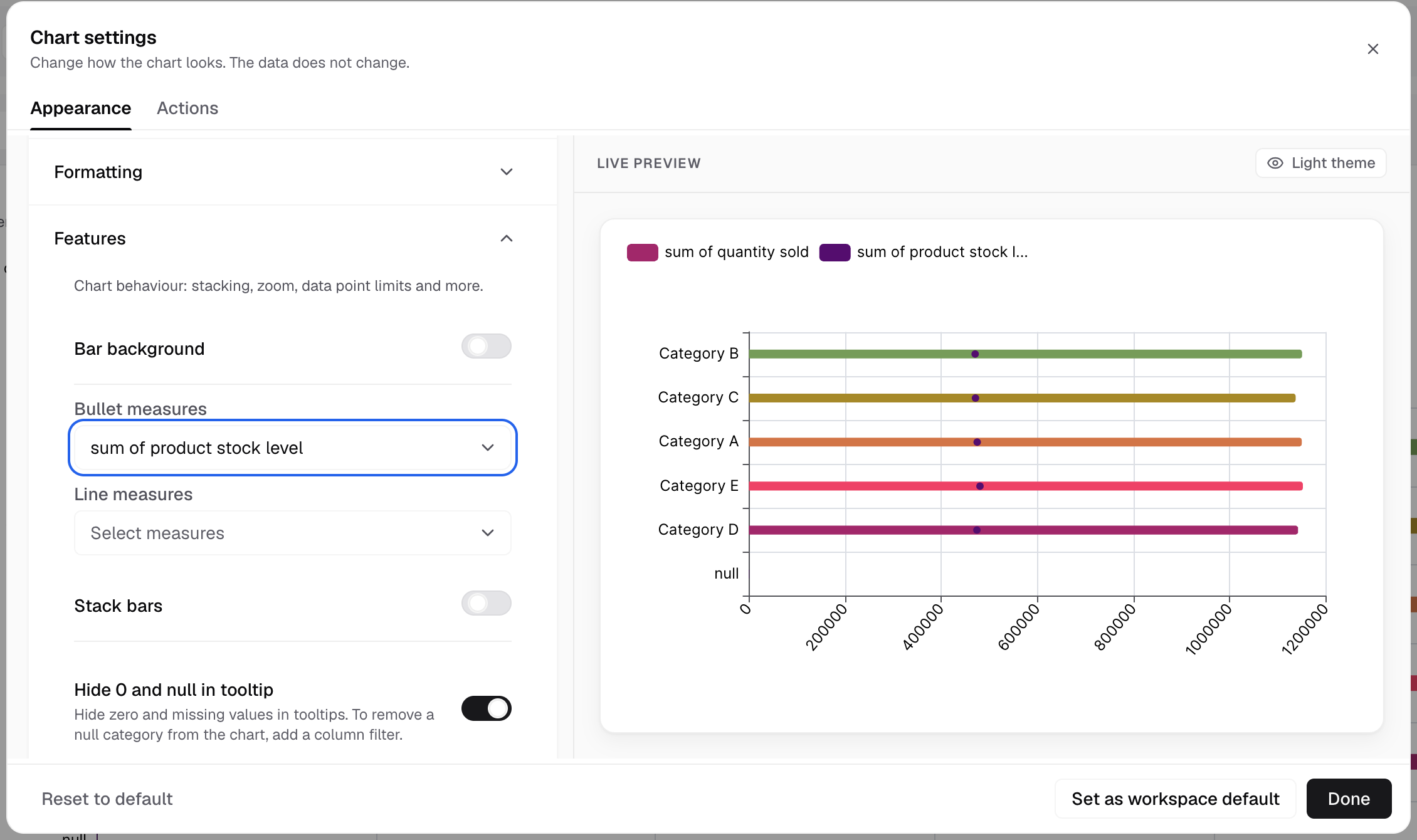
Bullet measures draw as markers on the bars. -
In Line measures, choose the measures to show as lines.
All measures share one scale.
Settings for this chart
- Features also has Stack bars, Hide 0 and null in tooltip, Limit data points and Chart zoom.
- Chart colors has Random colors for bars and Bar background gradient.
- Advanced > Bar styling sets the corner radius.
To give each measure its own scale, use Horizontal Combo (Multi-Scales). Combo charts