

Chart types
Set up a network chart
Show links between items as a graph of nodes and lines.
Show which items link to which, as nodes joined by lines.
What the data needs
| Dimensions | Measures |
|---|---|
| 2: source, then target | 1, the value of the link |
A third dimension is optional.
Steps
-
Add the source field to Dimensions, for example
from_account. -
Add the target field to Dimensions as the second dimension, for example
to_account. -
Add the value to Measures, for example
sum(amount). -
In the chart toolbar, select Chart type, then Network.
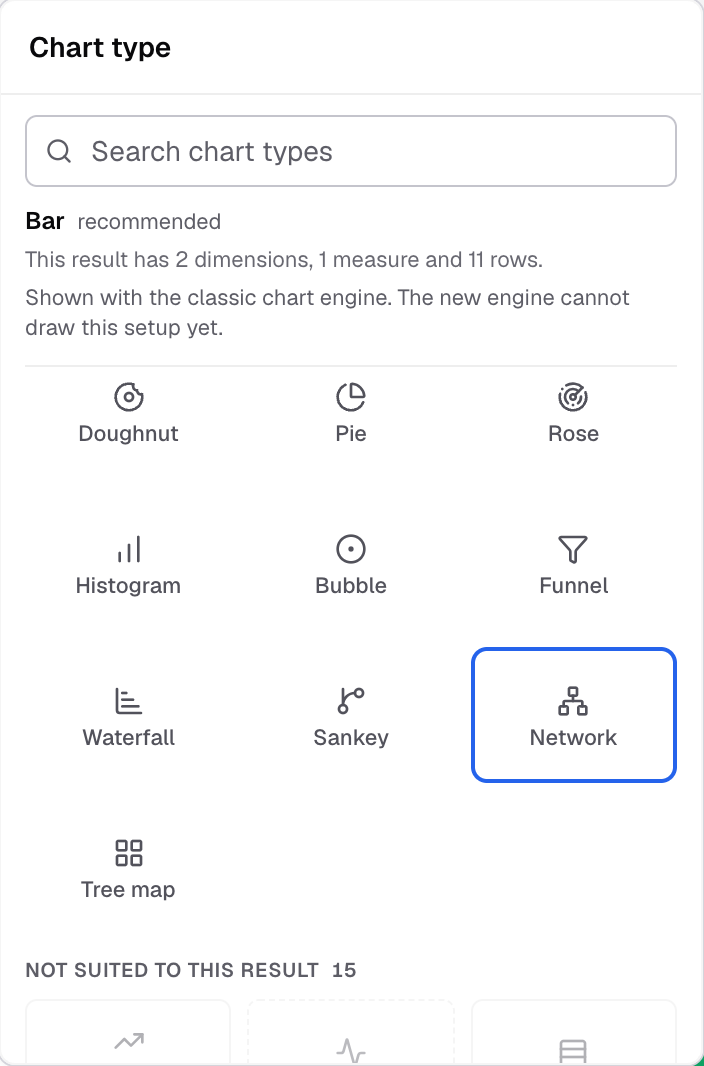
Network in the Chart type picker. -
To spread the nodes out, select Appearance, open Features and set Repulsion.
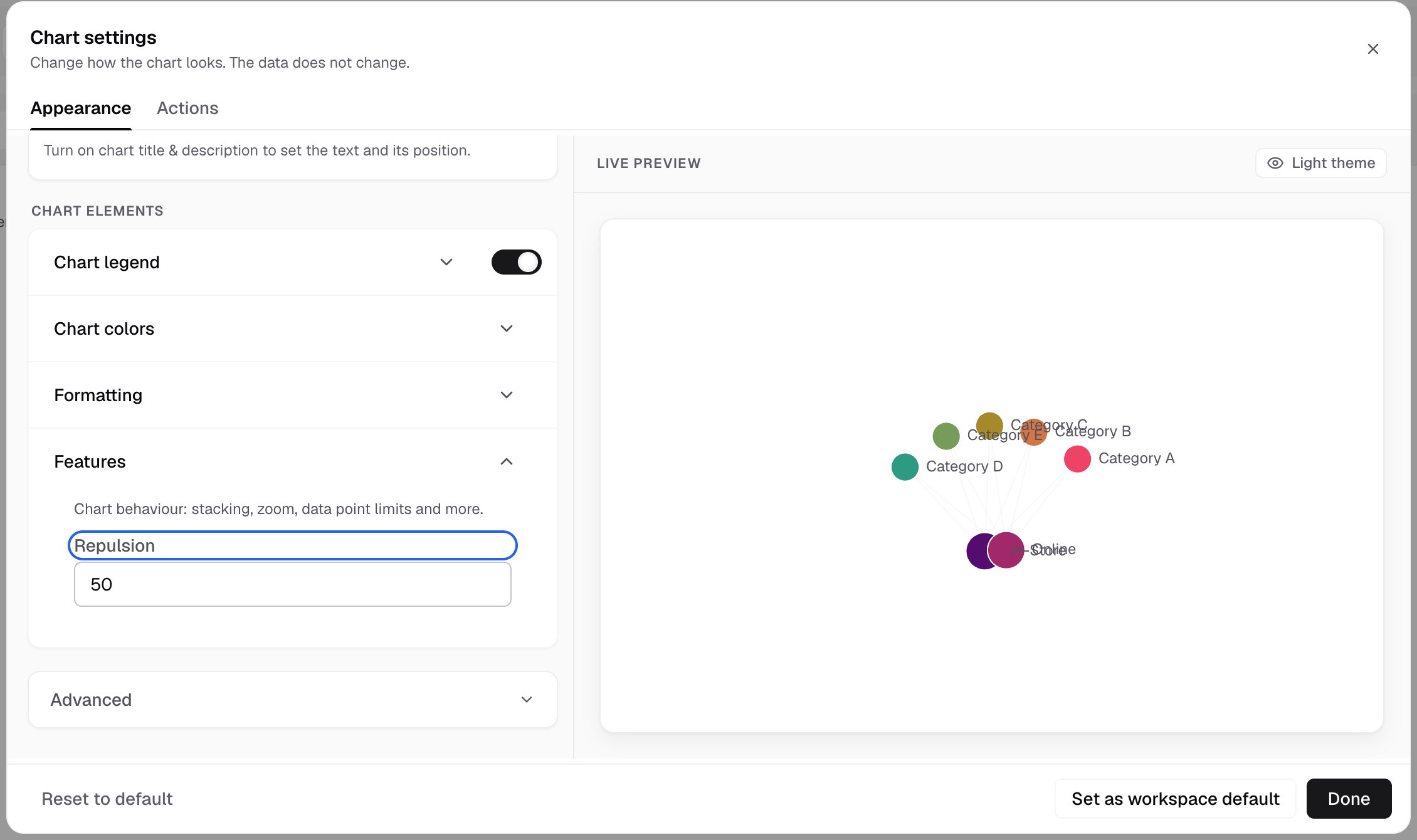
Repulsion is in Features.
Each row is a line from source to target.
Network has no axes, Chart margin or Chart tooltip settings.
For a flow diagram with the same data, see Sankey.